


Setting up your restaurant
Wix Restaurants: About the Differences Between the Old and New Menu Apps
Wix Restaurants has a new Menus app. While the new app has advanced features that weren't available in the old app - and more on the way - some features found in the old app are not yet available.
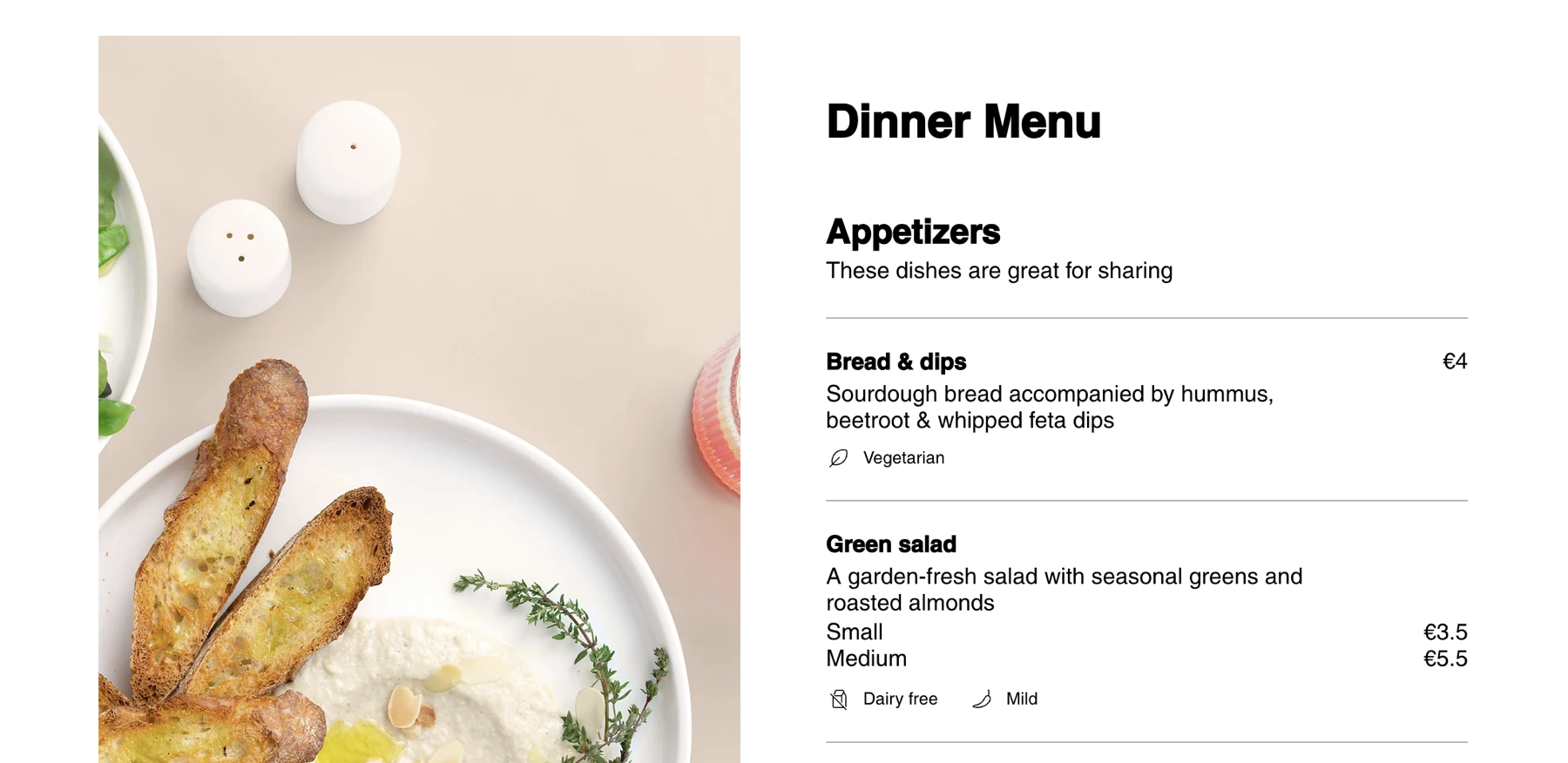
Features available only in the new menus app
Check out the exciting new features you've been asking for. These include:
Advanced design options: Customize your menus with advanced design choices, allowing you to show or hide elements, including prices and change presets.
Mobile view design capabilities: Tailor the design of your menu specifically for mobile devices, ensuring a seamless and user-friendly experience.
Price formatting: Format and display prices according to your preferences, providing clarity and consistency in presenting the cost of each item on your menu.
Custom labels for items: Simplify your menu items with custom labels, adding labels to your offerings helps customers quickly identify special nutrition and dietary needs in items.
Menu management with Wix app: Create, manage and update menus directly from the Wix app on your mobile device.
Multiple language support: Expand your reach by translating your menu into multiple languages.
SEO capabilities for menu pages: Optimize your menu pages for search engines, improve the visibility of your restaurant online and attract more potential customers through search results.
Integration with Wix Restaurants Orders app: Connect your menu to the new Wix Online Ordering app for placing orders online.
Features available only in the old menus app
We're working hard to add more functionality to the new app. However, as of now, some capabilities are not yet available. These include:
Multi-location
POS