Wix Forms FAQ
Wix Forms: Translating Your Forms with Wix Multilingual
Add a form to your site in multiple languages so your site visitors can fill out and submit the form in their chosen language. You can edit your form's translation either from your editor, or if your site is built on Wix Studio, via the Translation Manager in your site's dashboard.
Note:
Make sure you have Wix Multilingual installed on your site.
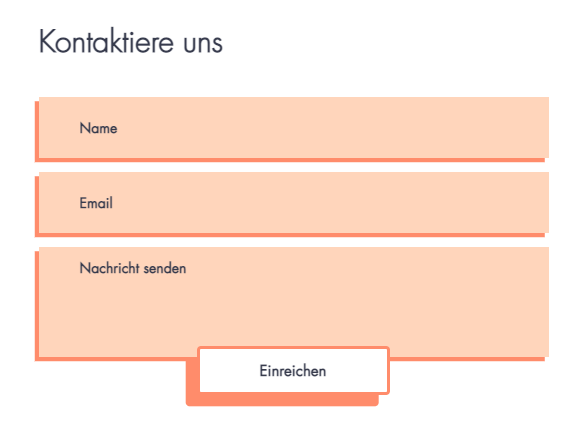
Translating your Wix Forms:
Translate your form to create a powerful impact and connect with site visitors across diverse languages and countries.
To translate your forms:
New Forms
Old Forms
Go to Translation Manager in your site's dashboard.
Click Forms on the left to see the forms available for translation.
Choose the relevant option:If you auto-translated your site: Review the automated translations and edit if necessary. Learn more about auto-translating your site.
If you didn't use auto-translation: Translate the fields manually. You can also click Auto-translate below a field to auto-translate that specific field.
Click Save and Publish.

Important note for order forms:
Order forms are currently not available to translate in the Translation Manager. To translate an order form, go to your editor.
Translating your Order Forms
Translate your Wix order form to unlock its full potential and order opportunities from customers worldwide.
To translate your Order Forms:
Go to the main language version in your editor:Click the Switch Language drop-down menu at the top of the editor.
Select the language you want to manage.
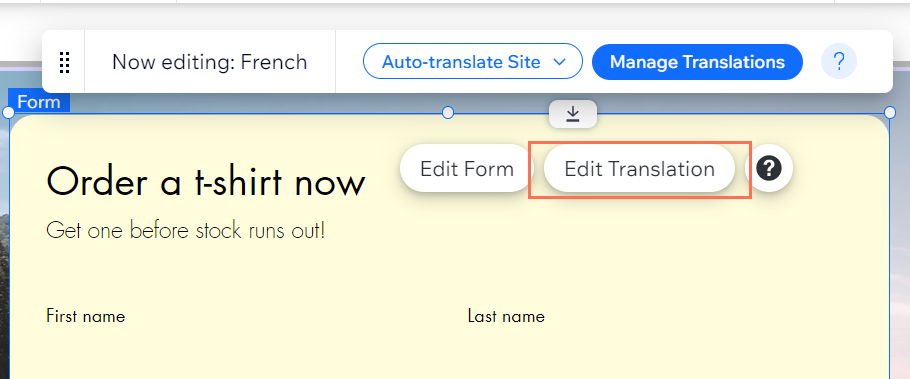
Click the order form on the page.
Select a field or any text box on your form and click Edit Translation to translate it.