Getting started with Wix Music
Wix Music: An Overview
Important:
Wix Music is not yet available in Studio Editor. If this is something you'd like to see in the future, vote for that feature.
Wix Music gives you everything you need to display, sell and promote music in style. Using the Wix Music Player, site visitors can listen, share and purchase your sounds. You can customize the way this player looks so it truly captures the spirit of your music.

Tip:
Check out our music template website, which already has Wix Music installed, or add Wix Music to any site in your Wix account.
Add your music
Create albums, singles and playlists in WAV, FLAC, M4A & MP3 formats. Using the Wix Music player, you can show your albums, singles and playlists on your site.
Your music is presented in 128kbps stereo mp3 as standard, to ensure fast streaming. You can let fans listen to your music directly on your site, or allow them to download it.
Manage this music behind the scenes in your Music Library. Add music or edit existing track/album information, such as cover art, streaming options, and genre.
Customize the listening experience
Customize the functionality of your music player. From the player's settings in your Editor, you can make your music play automatically when the page loads. You can also choose to include buttons that let fans share your album or tracks.

Personalize how your player looks
Choose the layout and design options that best suit your music directly from your Editor. Upload a cover image, set the layout, choose your color schemes, fonts, button styles, and more.

Promote your music
To make sure your music reaches more people, you can allow fans to download your music through their social media.
With Wix Email Marketing, you can keep in touch with your fans. Give them a taste of your music by sending a 30-second preview email or a newsletter of your upcoming shows or releases.
Track your analytics:
Using Wix Analytics Reports, to help make decisions about your music. For example, find out which music is most popular with your visitors, what devices people listen on, and even where in the world your fans are based.
Sell your music
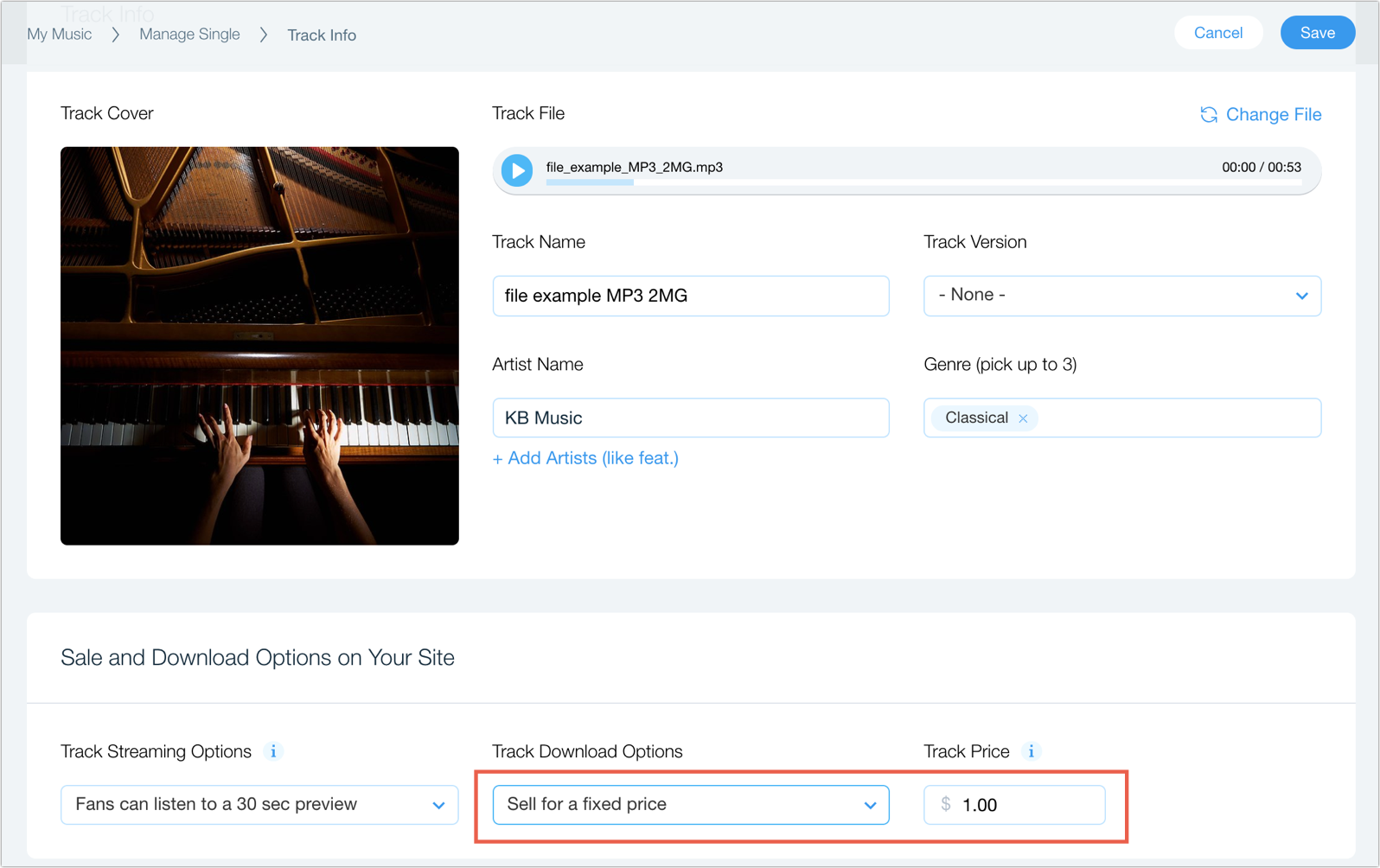
Wix Music makes it easy for you to sell your music to your fans and keep track of how much revenue you are making. Choose to sell whole albums or individual tracks. You can also offer your fans the option to PYWY (pay what you want).