


Additional Wix Apps
Apps Made by Wix: Adding and Setting Up the Wix Weather App
Important:
The Wix Weather app is no longer available in the Wix App Market. The app will be removed from your site on December 11th 2024 and Wix will no longer support it. As an alternative solution, you can add the Weather Display & Customize app by Certified Code, or the Weather Forecast app by POWR to your site.
Give site visitors another reason to check out your site on a daily basis. This handy web app forecasts the weather up to 6 days ahead, for almost any location in the world.
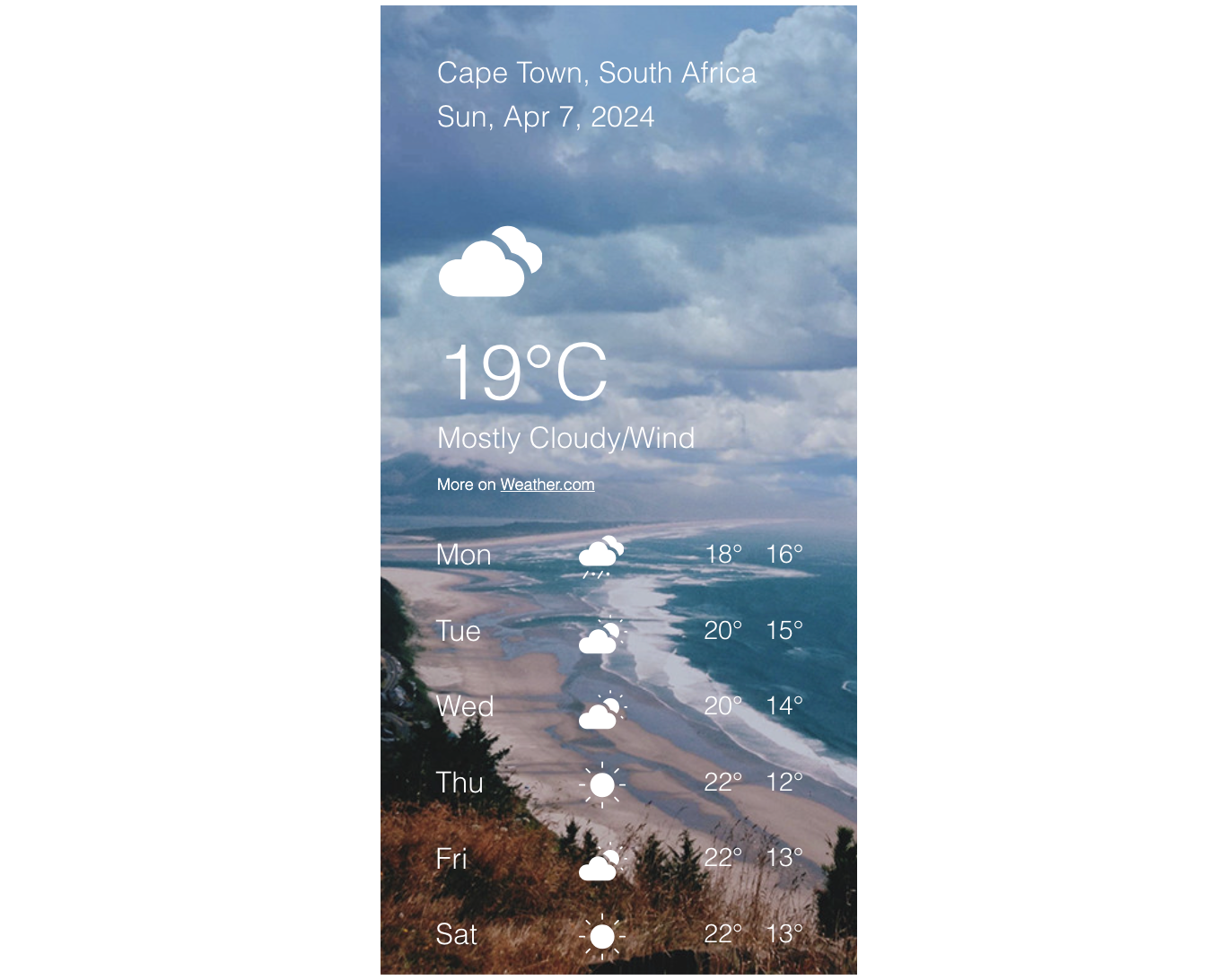
Customize how the app looks on your site
Make the Wix Weather app your own with customizable settings. Choose between extended or compact views, adjust the forecast length, and personalize backgrounds, colors, and fonts to suit your style.
To customize how the app looks:
Click the Wix Weather app in your editor.
Click Settings.
Click the Layout tab to choose and customize your layout:
Extended: Display the app in full, including info on the location, date etc, and set the display options:Show forecast for: Choose how many days ahead you want to display the forecast for.
Show C/F toggle: Enable or disable the toggle which allows visitors to switch between Celsius and Fahrenheit.
Show wind, humidity and visibility: Enable or disable the toggle to show or hide more detailed weather information.
 Compact: Display a smaller version, showing just the temperature and set the display options:Compact display: Choose to display the app as horizontally or vertically.
Position: Align the info in the app to the left, right or center.

Click the Design tab to customize the colors, fonts and background of the app.
Note: The design options available differ depending on the layout that you chose in step 3.Click the Animation tab to add animation effects which change according to the actual weather.
Note: This option is only available for the Extended display layout.