


Getting started with Wix Video
Wix Video: About Your Wix Video Player on Mobile
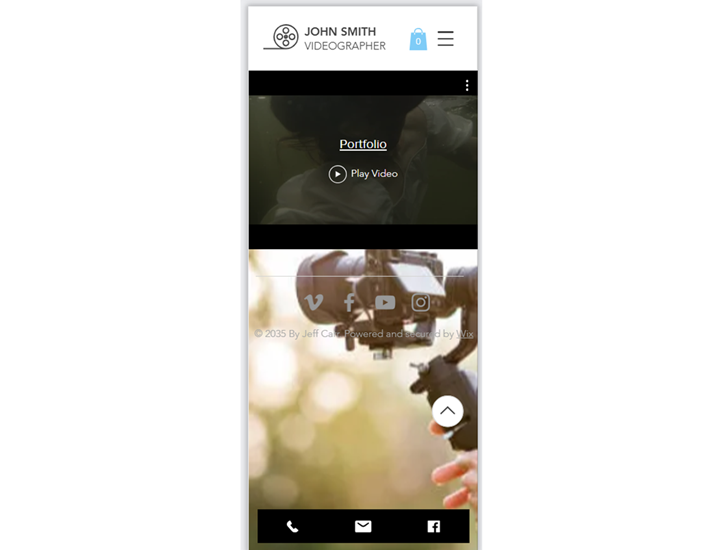
Wix Video Player is a versatile tool that enhances your site's multimedia experience, especially on mobile devices. With customizable layouts and design options, you can make sure your video player looks great and functions smoothly on any device.
Note:
This information applies to Wix Editor only. If you want to customize the mobile view for a Wix Studio site, you'll need to customize the mobile breakpoint.
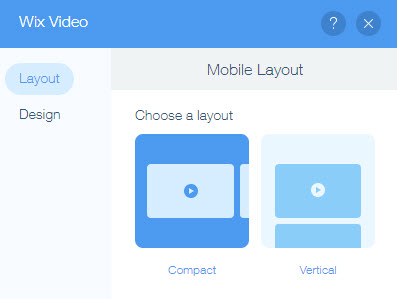
Choose the best layout for your mobile view
Ensure your videos are displayed perfectly on mobile by customizing your Video Player's layout. You can select a Compact or Vertical layout directly in your mobile editor. The Compact layout allows visitors to swipe right to see more videos, while the Vertical layout lets them scroll down for additional content.
Learn more about customizing your mobile site.
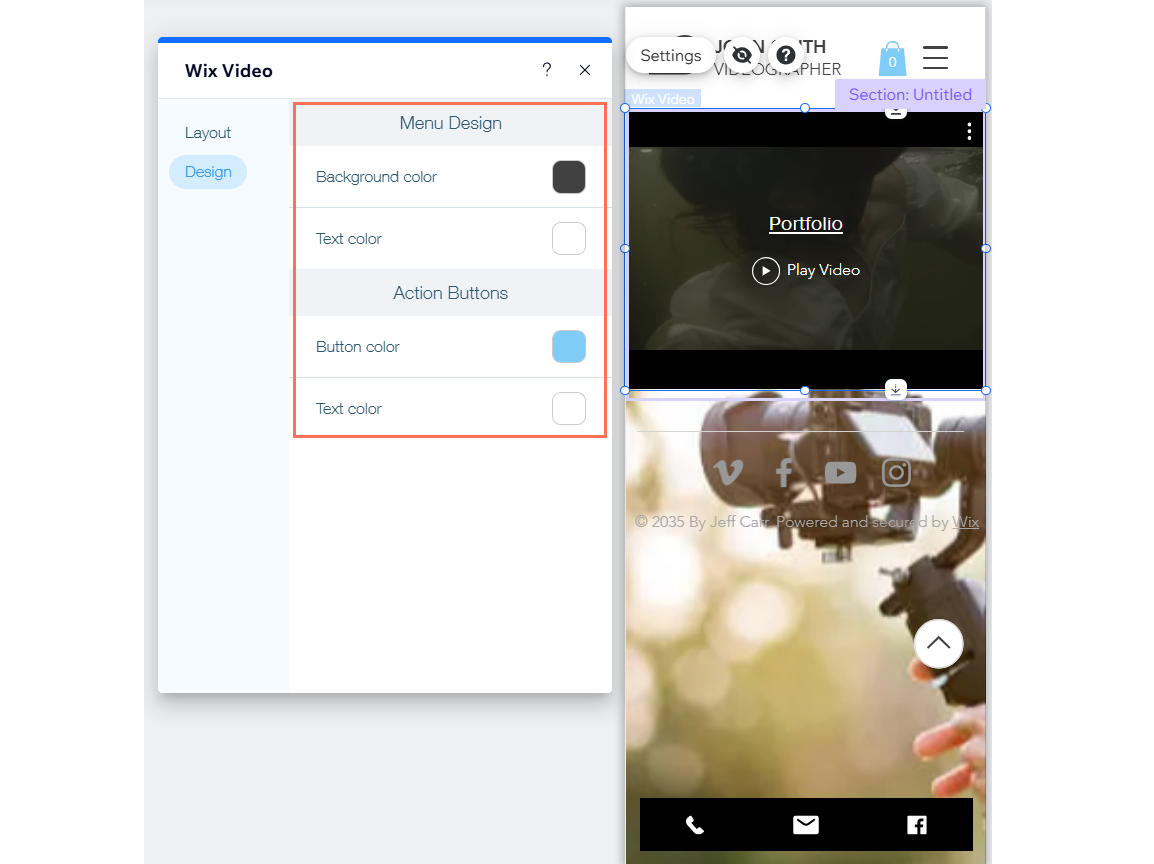
Customize the design to match your site
Enhance your site's professional look by tailoring the design settings of your Video Player to match the overall style of your site. In the Design tab of your mobile editor, you can adjust the Menu Design and Action Buttons Design, ensuring a cohesive and visually appealing user experience.
Learn more about working with elements in the mobile editor.
Enhance visitor engagement with interactive features
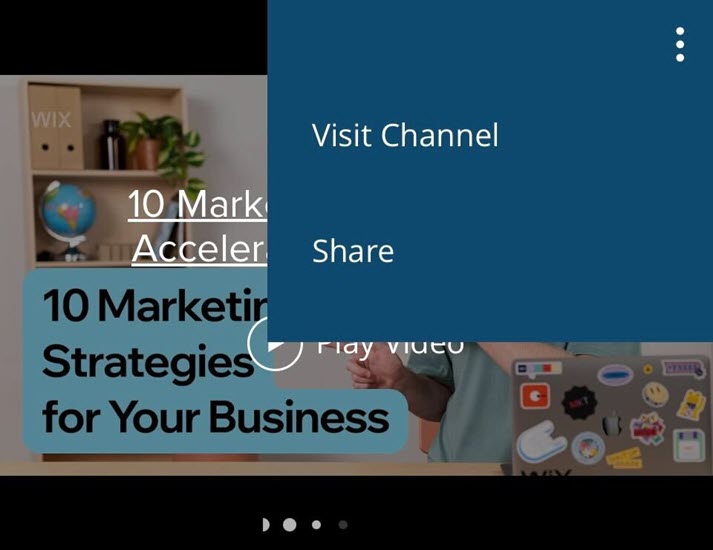
Keep your visitors engaged with several interactive options including video sharing, visiting your channel, or buying a channel subscription. Visitors can click the Video Cover to see the video description or the Channel Cover for a channel description.
Learn more about using mobile editor tools.
FAQs
Click a question below to learn more about your Wix Video Player on mobile devices.
Can I change the color of the black bars on the video player?
No, it is not possible to remove or change the color of the black bars on the video player.
Can I adjust the size of the video player?
No, it is not possible to adjust the size of the player on mobile devices. Altering frame sizes can be done on desktop, but if you try to adjust the player's size on mobile, the frame will revert to the default size.
Can my videos have action cards on mobile devices?
Yes, on mobile devices, action cards appear on the video page, not on the video player during playback.
Can viewers leave comments on mobile devices?
No, comments on videos and live streams are only supported on desktop.