Adding and managing apps
Recommended Apps for Fitness Studio Owners
Wix offers you all the tools you need to manage your fitness studio.
Wix Bookings
Use Wix Bookings to schedule and manage personal training sessions, drop-in classes, and full courses. Clients can easily book services, and you can oversee all appointments in one place. Read more about Wix Bookings.
Read more about o learn about other available scheduling apps..

The Wix mobile app
Edit and manage your site on the go with the Wix mobile app. Customize your business's mobile appearance and communicate directly with members from anywhere. The Wix app also allows you to run your fitness studio/business from anywhere. Read more about the Wix app.

Wix member apps
Customize member apps (Fit by Wix and Spaces by Wix) through your dashboard or the Wix mobile app. Members can book services, join waitlists, chat with you, and more When members arrive for a class, you or the staff giving the class can mark attendance right in the app. Read more about Fit by Wix and Spaces app.

Your own native app
You can build a fully personalized native mobile app for your fitness studio and publish it in the app stores by upgrading to a Mobile App Premium plan. Design your own app to match your brand, publish it on Google Play and Apple App Store, and offer exclusive features to your members. Use this custom app to enhance your studio’s professional image and streamline member interactions. Read more about your own native mobile app.

Wix Stores
Do you sell gym equipment, t-shirts, or other products at your gym? You can use Wix Stores to create a stunning online shop and make sales through your app. Read more about Wix Stores.

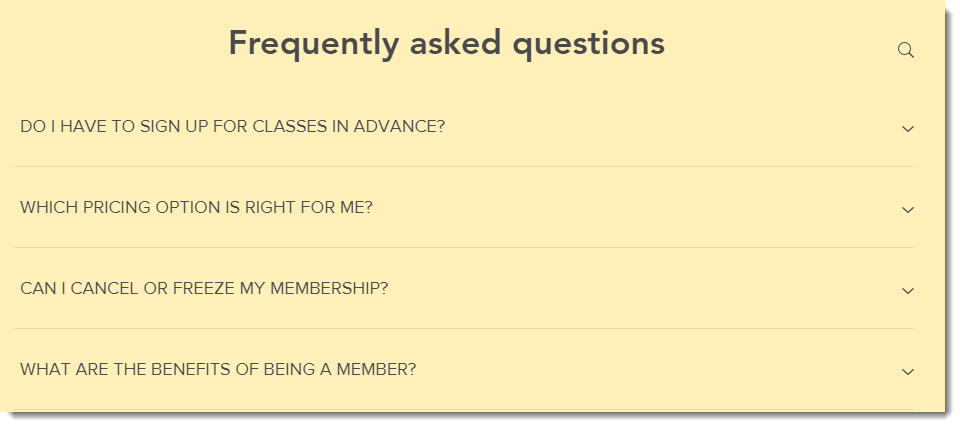
Wix FAQ App
Answer the most frequently asked questions of your clients by adding an FAQ page to your site. Add an FAQ page to your site to address common client questions efficiently. Read more about the FAQ app.