


Setting up Photo Albums
Wix Photo Albums: Creating a Photo Album
Important:
As of April 2024, it is no longer possible to add the Wix Photo Albums app to your site. If you already have Wix Photo Albums installed in your site, you can still use the app as normal.
If you want to sell digital prints, we recommend adding Wix Stores. If you want to display your images, add a Wix Pro Gallery to your site.
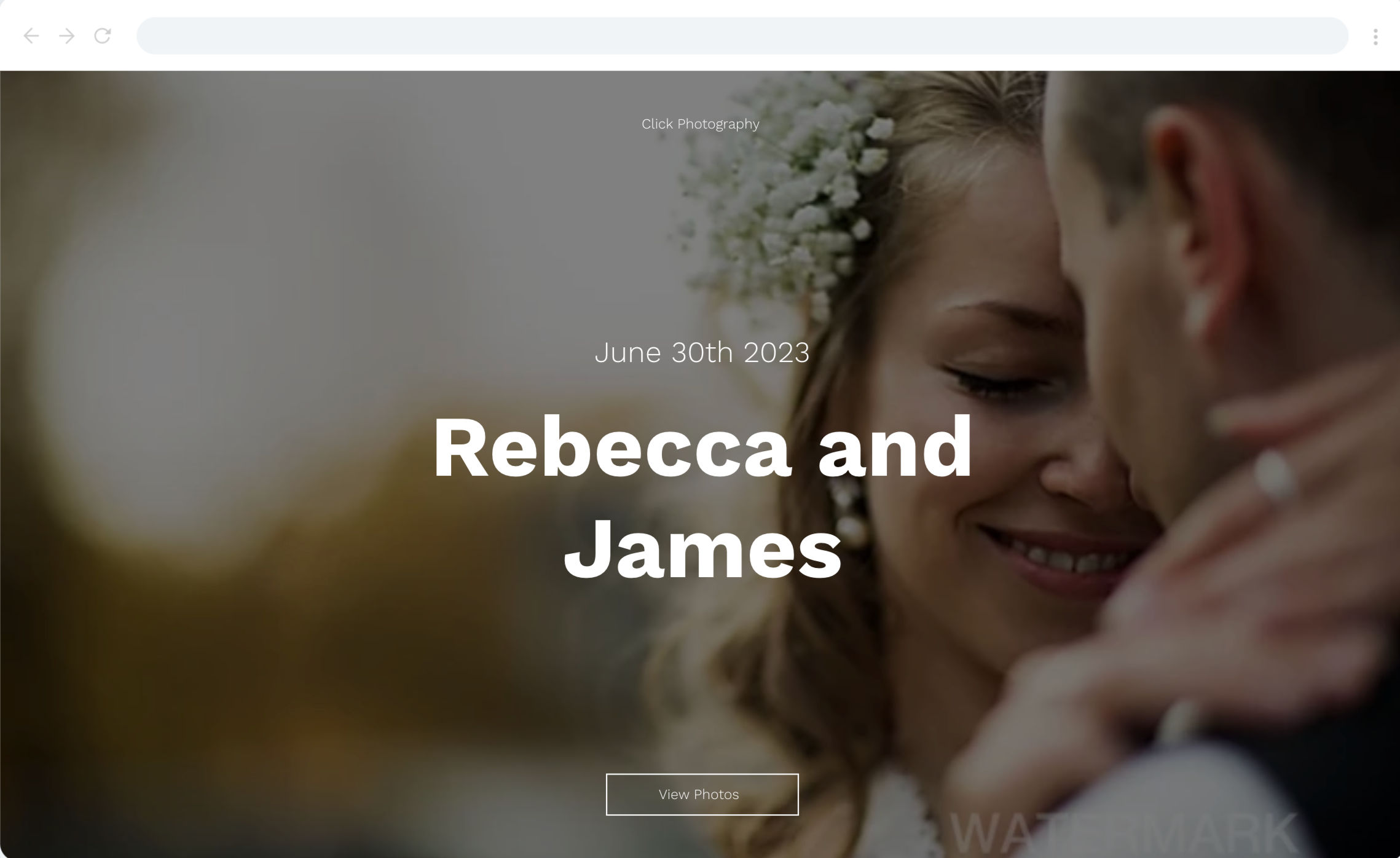
With Wix Photo Albums you can create stunning, personalized album-sites for your clients. Pick a design for your album, upload your photos and start sharing!
In this article, learn more about:
Creating a new photo album
Create new albums using the photo albums builder. The builder takes you through everything from the name of your album, to customizing all the little design details.
Check your domain:
If you have purchased your domain outside of Wix, please make sure that you have connected it to the Wix Name Servers. Photo Albums subdomains cannot be connected to a domain that is connected to Wix via Pointing. Learn how to switch your domain connection.
To create a new album:
Go to Photo Albums in your site's dashboard.
Click + New Album.
Select a style for your album cover and click Next.
Select a layout for the photos in the album and click Next.
Enter your business name or upload your logo and click Next.
Enter your album's name and date and click Next.
Choose what you want to do:Upload Media: Click Upload Media to upload your photos.
Import files: Import files from your media manager.
Click Create Album at the bottom right.
Click Publish Now at the top right.
FAQs
Click a question below to learn more about creating a photo album.
How long will it take for my newly connected domain to propagate?
It can take up to 48 hours for a newly connected domain to propagate. Learn more about domain propagation.
How long does it take an album subdomain to propagate?
After upgrading your site and connecting your domain, it takes up to 24 hours for the new album subdomain to propagate.
Can I create a custom album template and apply it to future albums?
No. Currently, it is not possible to create a custom photo album template in order to apply it to future albums. If this is a feature you would like to see in the future, please click Vote for this feature in this article and we'll make sure to keep you updated.
How can I speed up the loading time of my album?
You can optimize your album loading time by following our supported file types guide.
Can I create a custom URL for my photo album?
Yes. There are certain things to consider when creating a custom URL. We recommend following our guidelines to help you with this.