


Setting up Photo Albums
Wix Photo Albums: Creating a Favorites List for Clients (Proofing)
You can use Wix Photo Album's proofing feature to let your clients and album visitors create lists of their favorite photos.
It also allows your clients to comment and specify any special instructions they have for the photos. For example, they can let you know how many copies they'd like, or if they'd like a particular photo in black and white.
Important:
Favorites lists are only available for new albums. They are not available for albums that you created in the past.
To create and share a list:
You can create a new favorites list and share it with your clients from Photo Albums in your site's dashboard.
Go to Photo Albums in your site's dashboard.
Create a new album. Learn how to create an album
Click Publish Now.
Click Manage Album Settings.
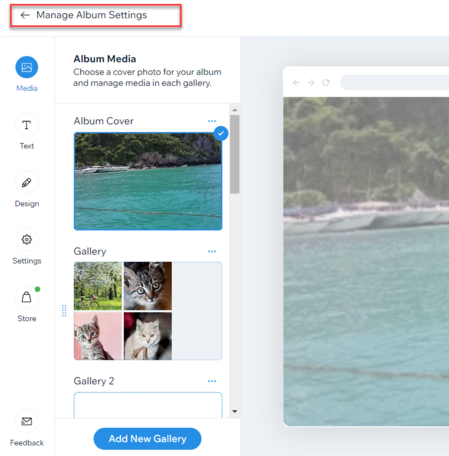
Click Get Started under Favorites lists on the right.
Click +Create List.
Add a name for your list.
(Optional) Add instructions or additional information for your clients under Add a note.
Select who can access your list under Privacy settings.Public: Anyone that can view your album can view this list.
Secret: Only people with the link can access the list.

Click Save.
Choose how you want to share the link, or tap View List to see what it looks like.Copy link: Copy the link and send it to your client.
Email: Send the link via email.
WhatsApp: Send the link via WhatsApp.
Tip:
After you've created your list, you can view it on your live site, download the photos that your clients select, update your list's information, and manage your list's members. Learn more about managing your favorites list.