


Setting up your hotel
Wix Hotels by HotelRunner: An Overview
Wix Hotels by HotelRunner makes it easier for you to run every aspect of your hospitality business. Manage your availability and reservations in one place using calendars. Offer more versatile options to your guests with customized packages. You can also showcase your rooms on all major booking sites.
Important:
This article refers to the latest version of Wix Hotels by HotelRunner. We are in the process of releasing Wix Hotels by HotelRunner but it's not available to everyone yet. Sign up for more information about Wix Hotels by HotelRunner and join the beta.
For information on the previous version of Wix Hotels, click here.
How do I know which version of Wix Hotels I have?


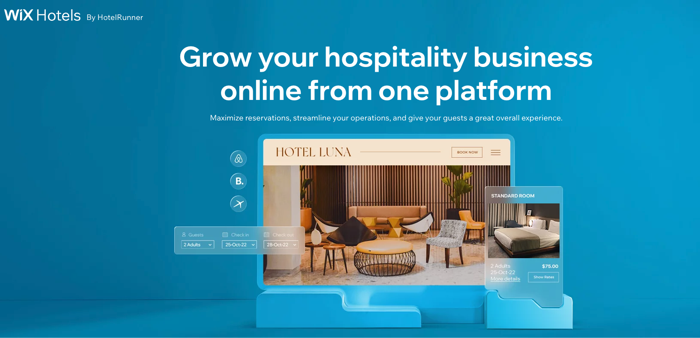
Take bookings from all major sales channels
Increase your total number of reservations by connecting your Wix Hotels site to industry-leading travel platforms like Booking.com, Airbnb, Expedia, and more.
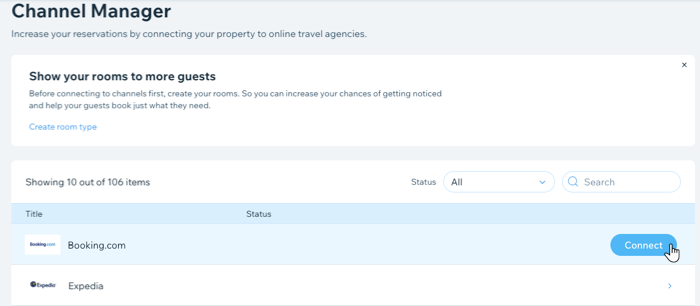
Manage all aspects of your hospitality business from one platform
Set rates by season, manage your room availability, and maintain your inventory, all using your site dashboard.
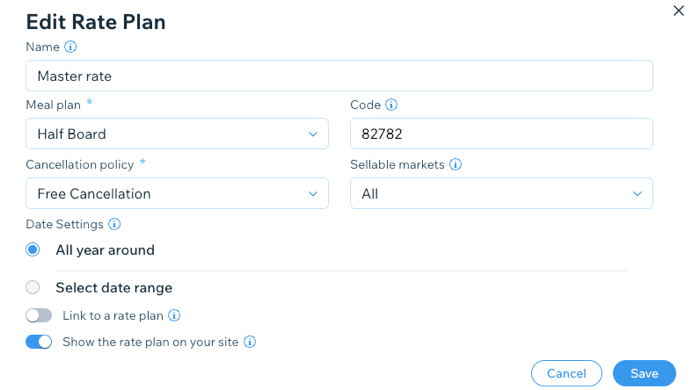
Provide a great customer experience every step of the way
Offer easy-to-understand room rates and seasonal offers while keeping in touch with your guests at every stage of their stay. You can also create unique offers to encourage guests to stay with you again.
Frequently Asked Questions (FAQs)
We are here to help with all your questions. Click a question below to learn more about Wix Hotels by HotelRunner.
Can I try the new Wix Hotels by HotelRunner even though I don't have it?
You can sign up for more information on the beta version of Wix Hotels by HotelRunner here.
Where do I update my prices and room availability?
The Inventory Calendar tab is where you make changes to the availability and price rates for each of your rooms as required. You can filter the calendar view by Room type, Rate plan or Channels.

For price or availability updates to multiple rooms at once, you use the Bulk Updates tab. Here you can update your rooms, rate plans and prices in bulk. Filter the view by Rate plan, by channel, or both.

Choose what you want to update from the following options:
Base Price: Update base price rates for a given period of time. Choose between a fixed monetary adjustment or a percentage adjustment.
Availability: Update how many rooms of a certain type you have available. Make sure this new number is accurate to avoid over-bookings.
Minimum stay: Encourage longer stays by setting a minimum stay restriction. This is useful during high season.
Stop Sell: Block the sale of certain rates for a period of time. This is useful during low seasons.
Closed to arrival: Restrict guests from arriving on specific dates. This is useful during holidays to better manage your staff’s workload.
Closed to departure: Restrict guests from departing on specific dates. This is useful to better manage your staff’s workload.
Then select the relevant start and end dates, and specific days of the week you want to update.