


Payment Basics
Accepting Payments: An Overview
Accept payments for goods or services directly through your site. Wix offers different payment methods and providers depending on your location. In most countries, you can select one or more of Credit Card, PayPal and Manual payments to appear on your checkout page. This gives your customers more ways to pay.
Depending on the availability and choice of your payment provider, you may also offer alternative options to your customers such as Apple Pay, cryptocurrency payments, recurring payments, BNPL (buy now, pay later) payments, Point of Sale, payments for CBD products, and more.
Important:
You must upgrade your site to a Premium or Studio plan that supports payments in order to accept payments.

Wix Payments
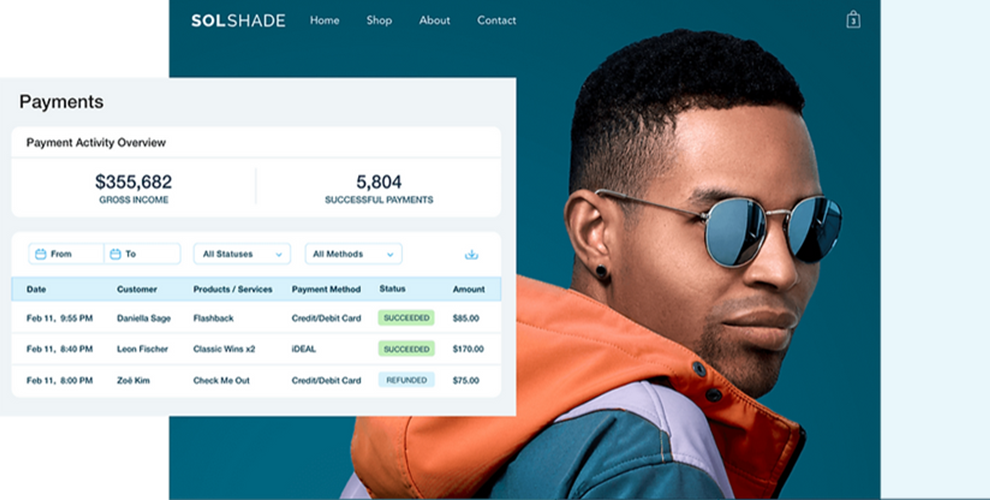
Wix Payments is our very own payment provider. With an in-house set-up, we make it even easier for you to accept payments on your site. Our secure system allows you to manage orders and payments from one place, as well as a unified dashboard for payouts, refunds and chargebacks. All this coupled with 24-7 dedicated customer support makes Wix Payments the number 1 payment provider on our platform.
Wix Payments allows you to accept payments using all major credit cards as well as Apple Pay, Google Pay, Affirm, Afterpay, Klarna Online Bank Transfer, iDEAL and Tap to Pay (depending on your location).
Third-party payment providers
If your business is not in a location covered by Wix Payments, or if you'd prefer to use an alternative payment provider, Wix has partnered with over 70 other providers around the world to offer you all the benefits they have to give. Providers operate in different regions and you can view a complete list of the providers available in your country.
Alternative payment options
Different providers offer a variety of payment services; some of the most popular of which are detailed below. Wherever possible, Wix Payments works to fulfil all your payment needs. If a service is unavailable with Wix Payments in your location, we do our best to offer another provider that can help, and we're always adding more.
Installment payments
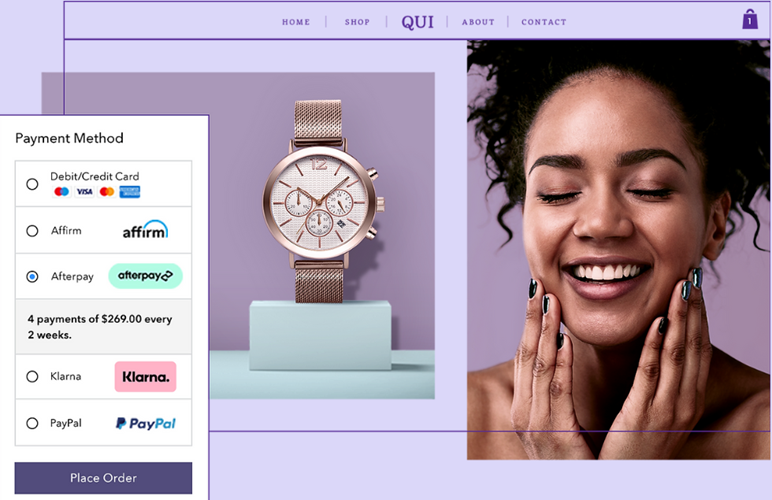
Boost your sales by allowing your customers the choice to pay in a series of installments. This option to 'buy now, pay later' is an increasingly popular option for customers who want to make a purchase, but prefer to pay in manageable chunks rather than a lump sum.
Once you’ve connected an installment solution, shoppers will automatically see this payment option available on your product pages and checkout. They’ll see how many installments are available and the amount due for each payment.
Installment providers are available worldwide. Check out the installment providers available in your country.
Recurring payments
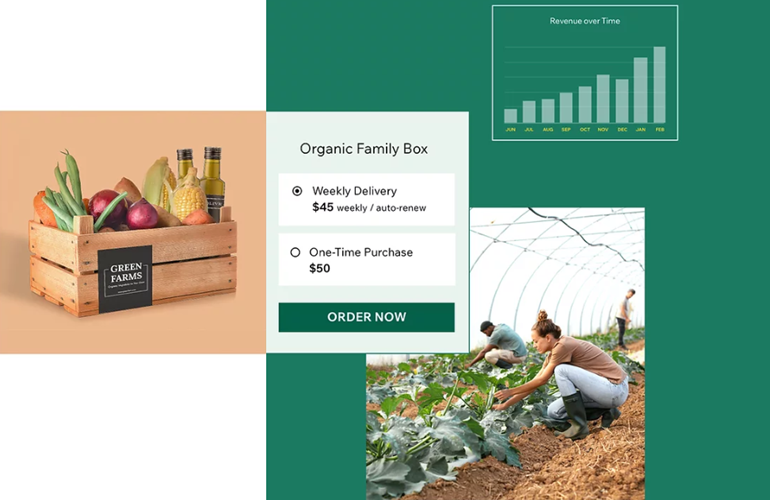
If you have a subscription service that requires your customers to renew their payment on a regular basis, you'll need a payment provider that supports recurring payments.
Recurring payments can be used across many Wix apps such as Wix Stores, Wix Video, Pricing Plans and Recurring Invoices. See a list of available providers that allow recurring payments.
Cryptocurrency payments
You can accept Bitcoin payments using Bankful as a payment provider in Wix. This gives your customers an opportunity to purchase your goods and services with a unique and blockchain secured digital payment method.
Even if you already accept payments with another provider such as Wix Payments, you can still add Bankful to handle your Bitcoin payments without having to disconnect your Wix Payments account.

Point of Sale
Accept payments in store and on the go. Use Wix Payments Retail POS hardware to suit your business needs and get a powerful point of sale that looks great in your physical store.
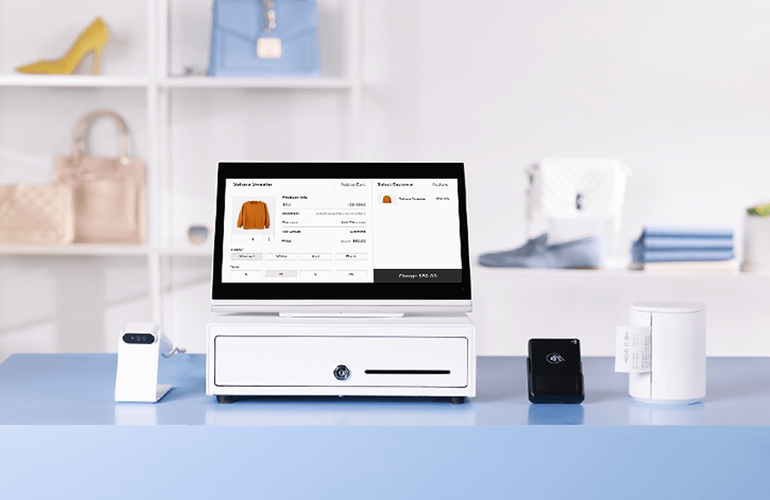
Alternatively, accept in-person payments at pop-ups, festivals, markets and more with our POS card reader. Together with the Wix app (iOS and Android), you can safely take chip, contactless and magstripe card payments, as well as digital wallets like Apple Pay and Google Pay.
If Wix Payments POS isn't available in your area, don't worry, our third-party providers SumUp and Square can also provide solutions for in-person transactions.
Need an online presence to go with your physical store?
Learn more about creating an online store with Wix.
Selling CBD on Wix
If your business is based in the United States, you can use Wix to sell hemp and/or hemp-derived CBD products online. Complete our declaration form, connect to a payment provider that works with CBD merchants and start accepting payments for CBD products.
Wix has partnered with third-party payment providers, Square, Bankful, Priority Payments and Evergreen Payments Northwest so you can securely accept payments for hemp and hemp-derived CBD products on your Wix site.
