Wix Chat FAQ
Wix Chat: An Overview
Wix Chat opens direct communication lines between you and your site visitors. Your business is instantly contactable. Add a personal touch by making conversation with potential customers as they browse. Initiate a chat or let visitors reach out when they need to. Customize your chatbox so it looks great on your page and reflects your brand.
Ready to get started?
Learn how to add Wix Chat to your site.
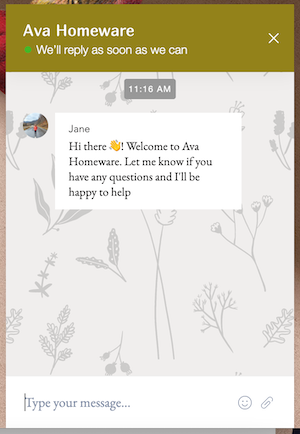
Encourage visitors to open your chatbox and get in touch
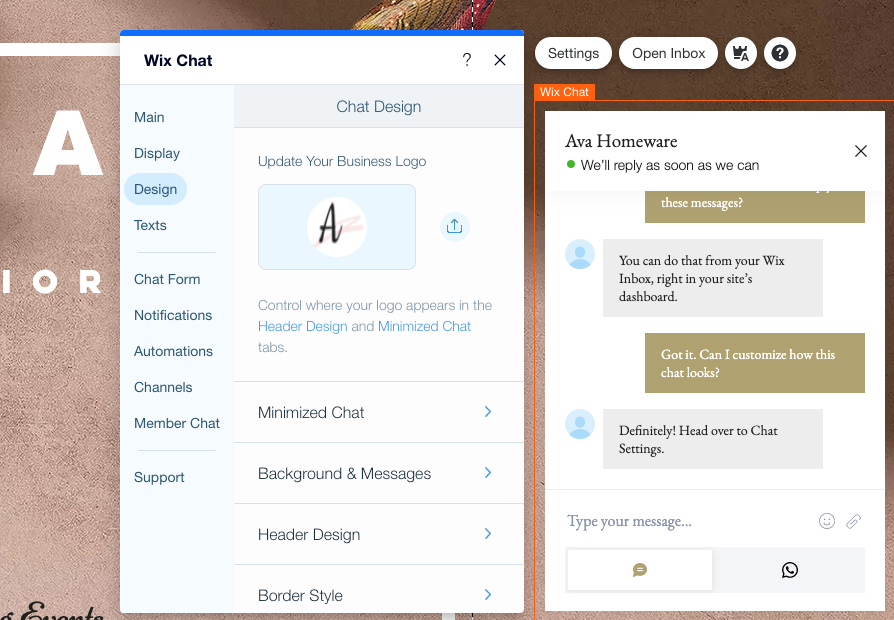
Your chatbox holds a prominent position at the bottom of your page. Make sure it fits in with the style of your site while also drawing attention, so visitors are encouraged to click and chat. Add text that offers visitors all the information they need about contacting your business. Let FAQ buttons answer common questions when you're unavailable to chat.
Learn more about designing your chatbox.
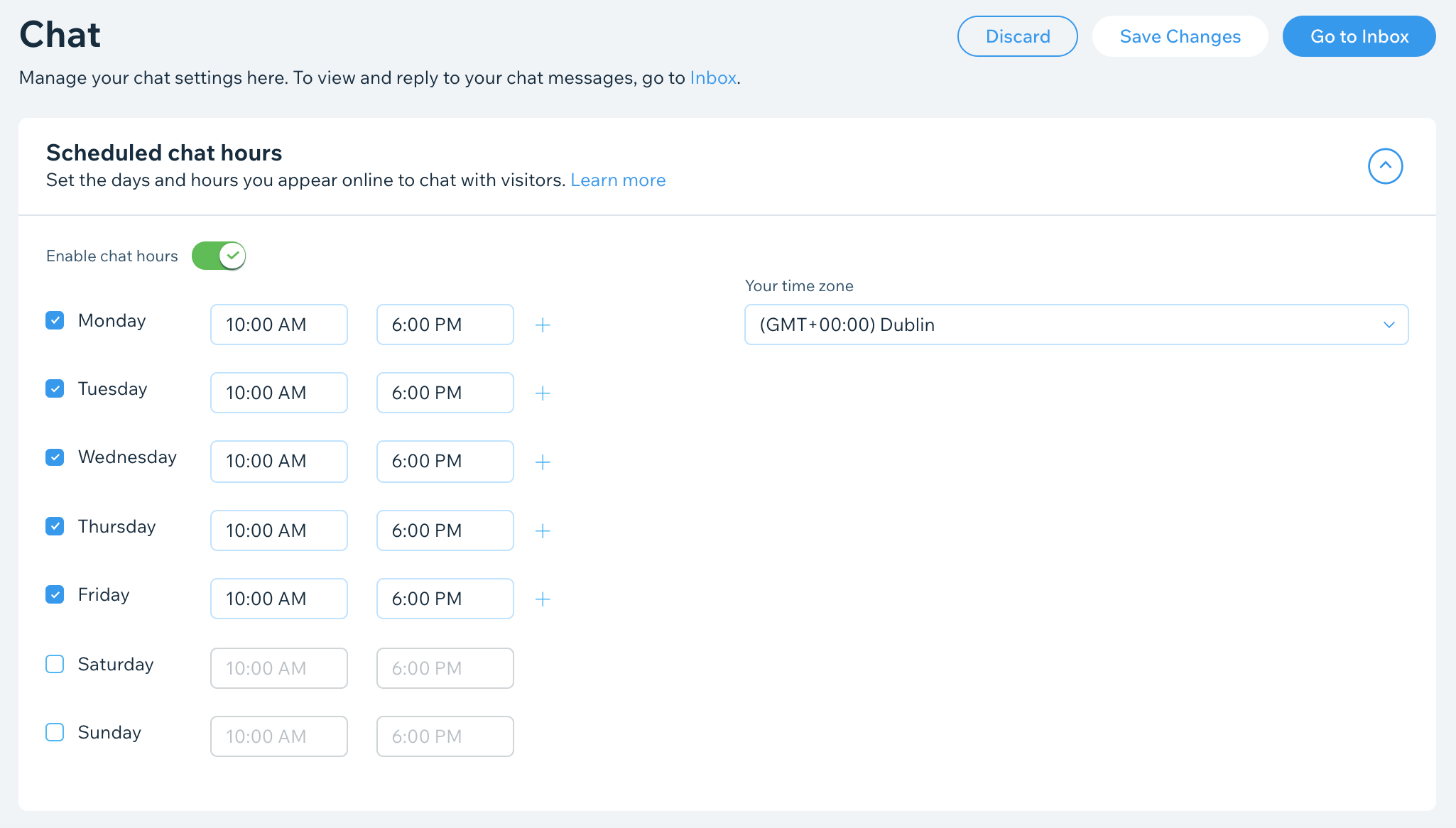
Set chat hours that work for your business
Nobody is available to chat 24/7. Set your chat hours in advance so visitors see you as available to chat at the times you've set. Instantly disable chat if your plans change and you'd like to appear unavailable. When you're offline, you can share alternative contact details in your chatbox, so a visitor can choose to get in touch in another way.
Learn more about managing your chat status and hours.
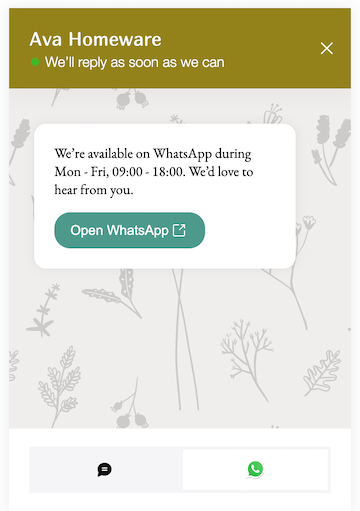
Enable on-the-go visitor chat via WhatsApp
Convenience is key when it comes to maintaining a conversation with a business. Offer your visitors the convenience of chatting to you via WhatsApp rather than staying on your site to chat through your chatbox. Visitors choosing to use WhatsApp will receive all the messages you send them in their WhatsApp accounts.
Learn more about adding the WhatsApp channel to your chatbox.
Seize the moment by reaching out to visitors as they browse
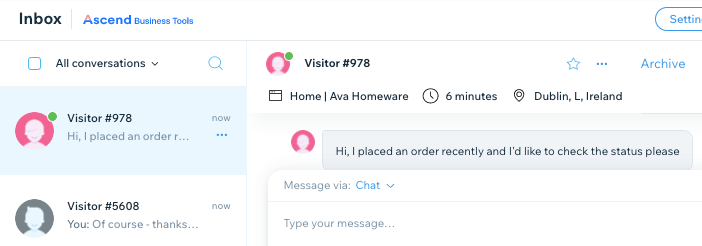
Maintain your chat conversations via desktop or mobile and easily see if your contacts are currently online. You'll also be able to see live site visitors you're not chatting with and the pages they're browsing. Reach out with a tip and get the conversation going.
Learn more about viewing and chatting with live site visitors.
Send more than just messages
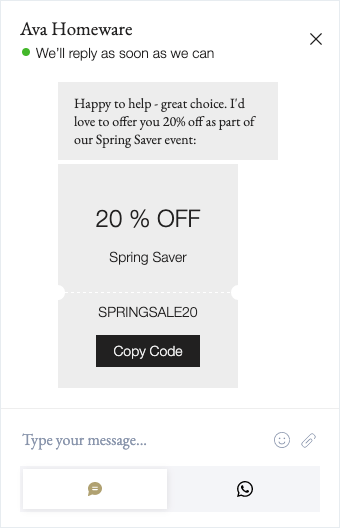
Have a look at visitors currently browsing your site and reach out with discount coupons that could encourage them to give you their business. You can also send direct links to products and services via chat. If there's a payment to be made, send a payment request that offers the visitor a quick and easy way to pay.
Learn more about requesting a payment through Wix Chat.
Note:
You must have Wix Stores installed to send a product link and Wix Bookings installed to send a service link.