


File Share
Wix Apps: Using the Member's Area with the File Share App
Create a community around your file sharing system! The Member's Area is the ideal place for people in your community to get to know each other and see which files other members uploaded.
When you add the File Share app to your site, it comes with the Member's Area already added.
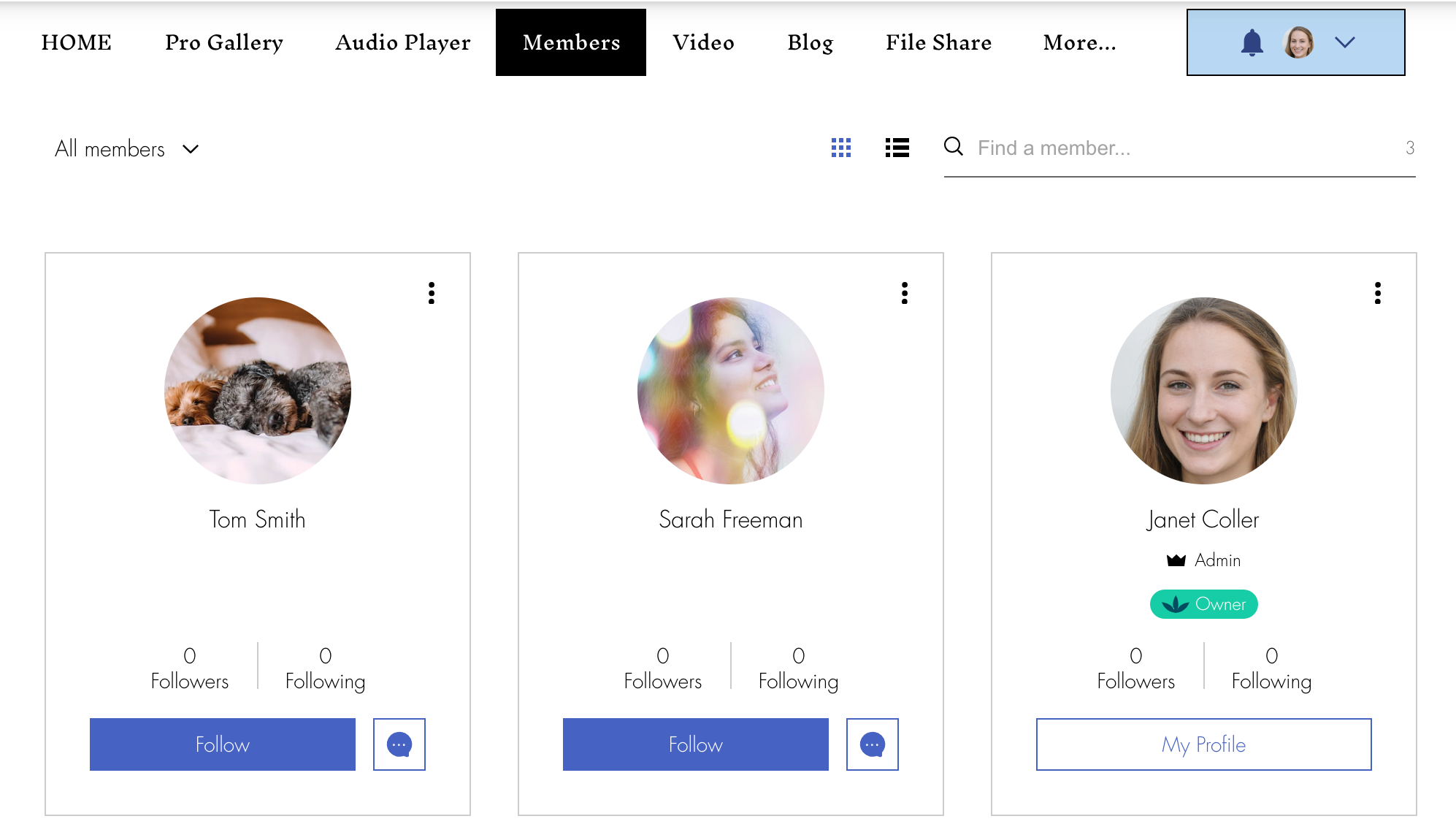
What do site visitors see in the Member's Area?
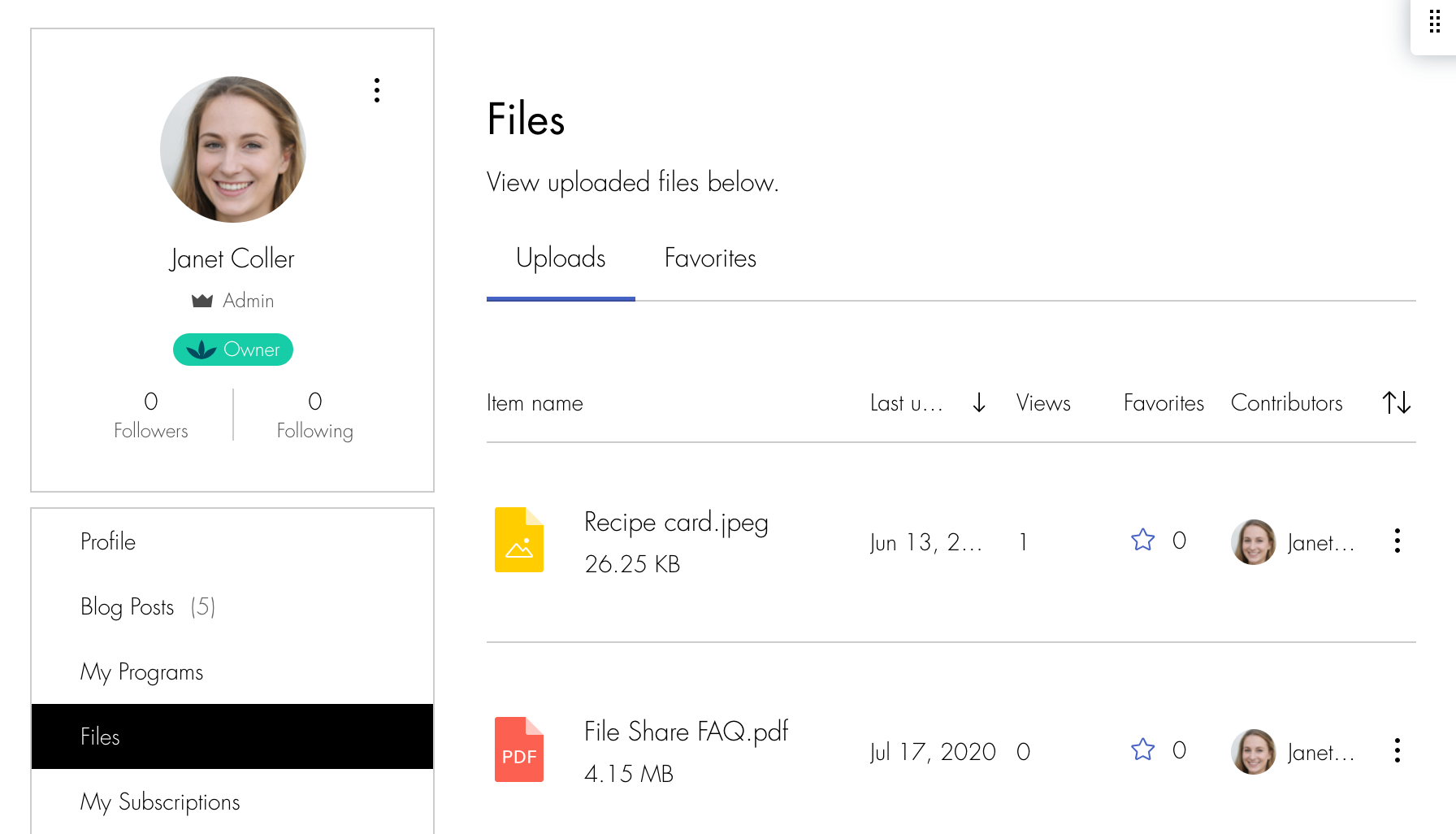
With the Member's Area installed on your site, site visitors can view each member's profile page or click Files to see what files a member uploaded.
Notes:
Only members who are part of the community are able to see which files a member uploaded.
If you have a Custom Sign Up form, you need to enable the Join the Community tab and add Join the Community as a field. If you have a Default Members Sign Up form, you need to set it to mandatory.
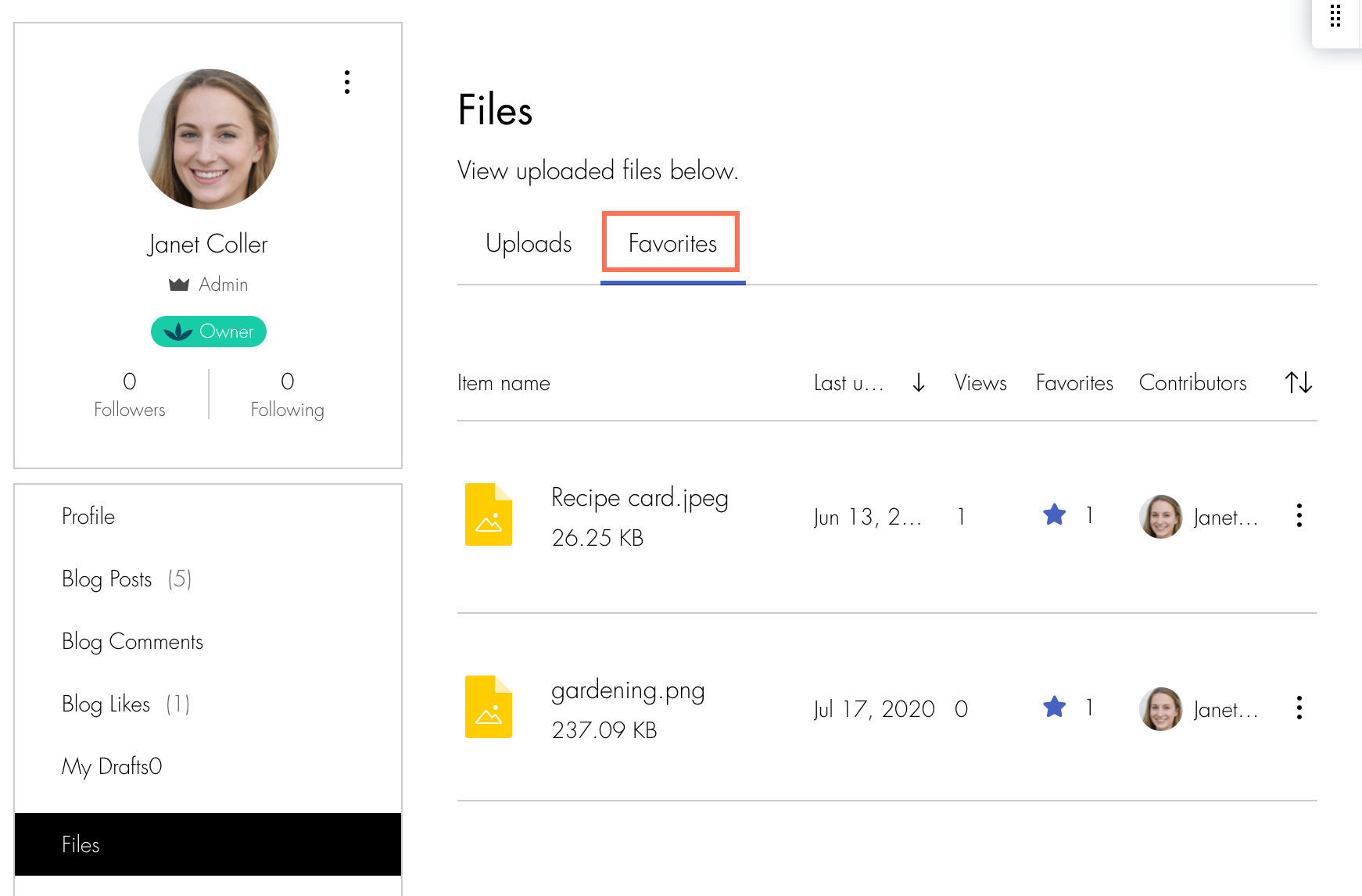
What happens when a member marks a folder or file as a favorite?
Marking favorite files and folders is a great way for members to keep track of important files. You can view your own favorites by clicking Files and going to the My Favorites tab. Your favorites are private. Each member can only view their own favorite folders and files.
How does adding a Member's Area influence other parts of my site?
When a site visitor logs in, they are logged in to all parts of your site. Some parts of your site have their own special member sections. For example, if you have Wix Stores on your site, customers can log in and access their "My Orders" page, where they can view store orders. To learn more about the Wix Member's Area and how it integrates with different parts of you site, click here.