Shared Gallery
The Shared Gallery App: An Overview
With the Shared Gallery app, you can create beautiful galleries on your site to share photos and videos with your community. You can upload your own photos and videos, or let your site members share their media.
It's perfect for displaying photos and videos from weddings, classes, events, or anything else you want to share with your community.
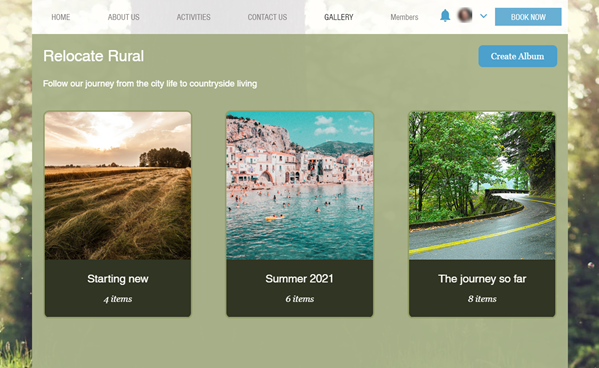
Get started by installing the Wix Shared Gallery app from the Wix App Market in just a couple of clicks. Click here to install the Shared Gallery app.
Set up your gallery the way you want it
After you've added the app to your site, you can start customizing your gallery's settings. Choose who has permission to upload or download media and manage, your gallery and select whether to enable or disable comments, tagging, and video uploads.
Learn more about setting up your gallery

Create beautiful galleries in a few clicks
You can customize your gallery's design to match your site and branding. You can add an enticing title and description, choose the best layout for your albums and photos, and get creative with the design of your gallery.
Learn more about designing your gallery

Upload media in a few clicks
You can add photos and videos to your gallery from your live site on desktop or on your mobile device. Upload photos in formats as .jpg, .png, and .gif files, and videos in formats such as Quicktime, AVI, and MP4. Learn more about uploading media
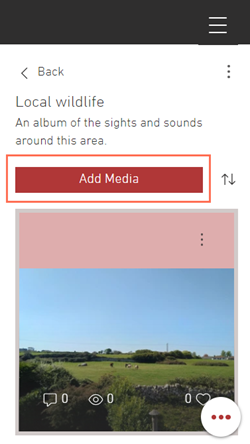
You can also choose to let your site visitors and members upload and download media. Select who can download media, upload media, and manage your gallery. Customize their level of access to your gallery, or create your own roles with definable permissions. Learn more about access and permissions

Manage your media in your dashboard
The Shared Gallery section in your site's dashboard lets you upload and manage your media from one centralized place. From your dashboard, you can create albums, upload media, delete media, and share your albums.

Build your community and improve engagement
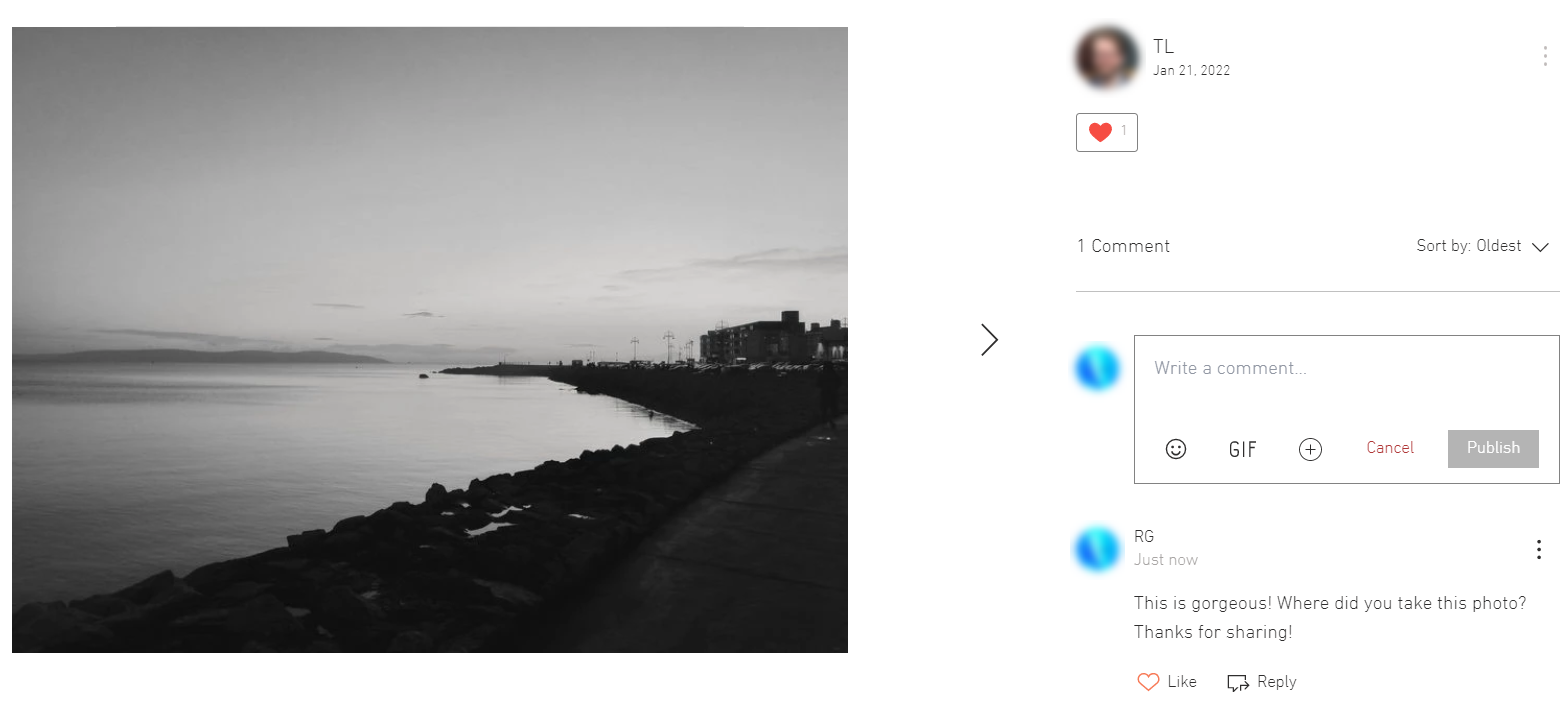
You can choose to let your community members like and share their favorite images and videos. They can also tag other members, and comment on media, reply to comments, and react with emojis and gifs.
Learn more about customizing community settings