top of page

Setting up Online Programs

Online Programs: Adding and Setting Up Online Programs

Online programs allow you to offer courses, workshops, or training sessions directly on your website. This helps you expand your reach, engage your audience, and generate additional revenue. By adding Online Programs, you can develop a community of learners and help them achieve their goals.

For instance, if you run a fitness blog, you can create a series of workout videos and meal plans, offering a complete fitness program to your audience.
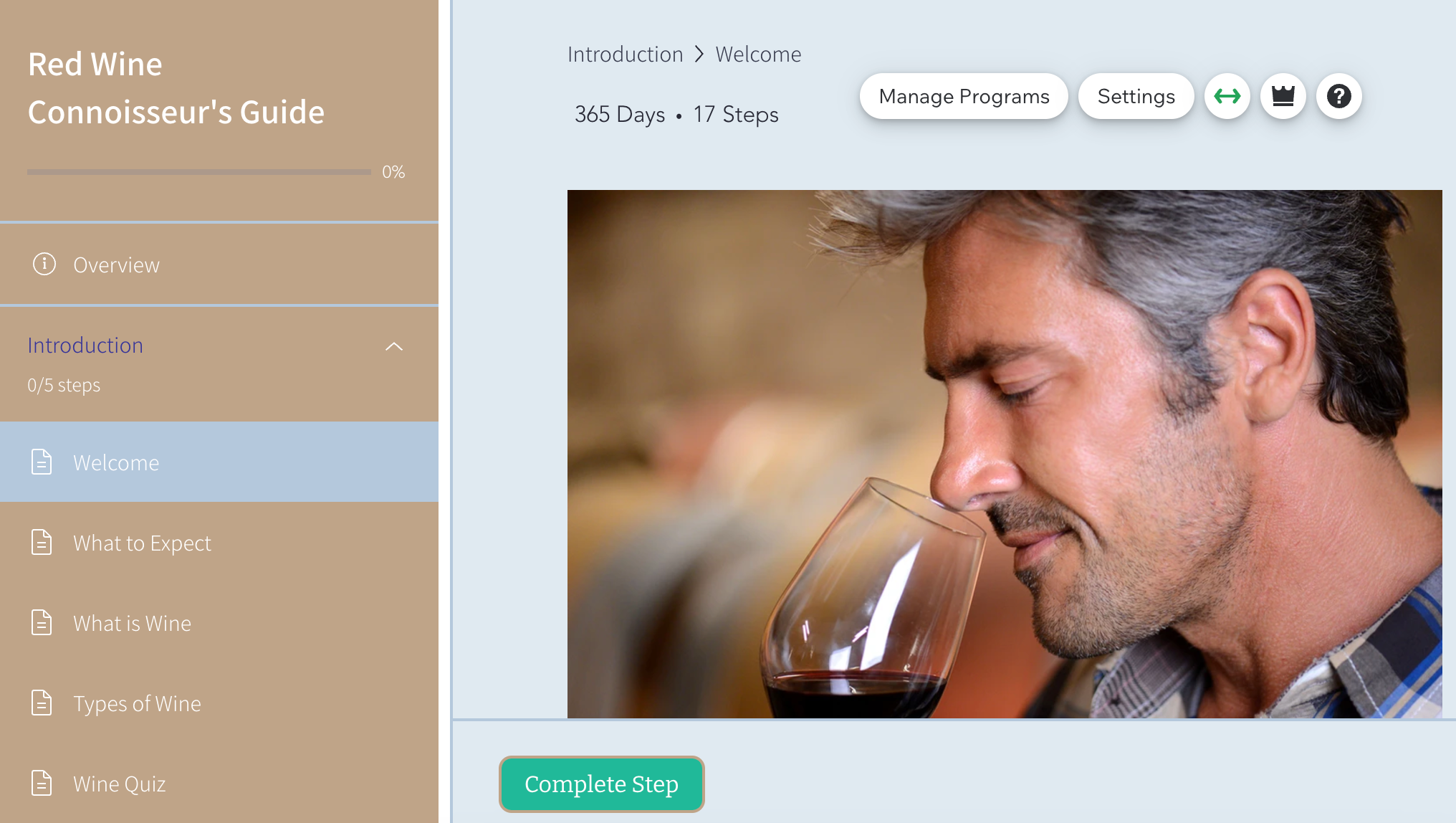
A screenshot of Wix Online Programs in the site editor

Step 1 | Add the Online Program app to your site

Get started by adding the Online Programs app to your site from the Wix App Market. You can add Wix Online Programs from the editor or the Apps tab in your site's dashboard.

Tip:

Some Wix templates already include Online Programs, making it easier for you to get started.

Wix Editor

Studio Editor

Dashboard

  1. Go to your editor.

  2. Click Add Apps  on the left side of the editor.

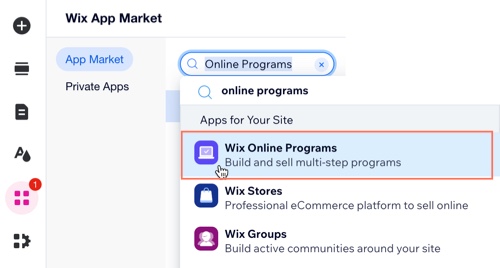
  3. Search for the Wix Online Programs app in the search bar.

  4. Click Add to Site.

A screenshot of the Wix App Market panel when searching for Online Programs.

Step 2 | Create your first program

After you've added Online Programs to your site, you're ready to create your first program. You can use an existing template for courses, fitness challenges or personal coaching plans. Alternatively, you can create your own design from scratch.
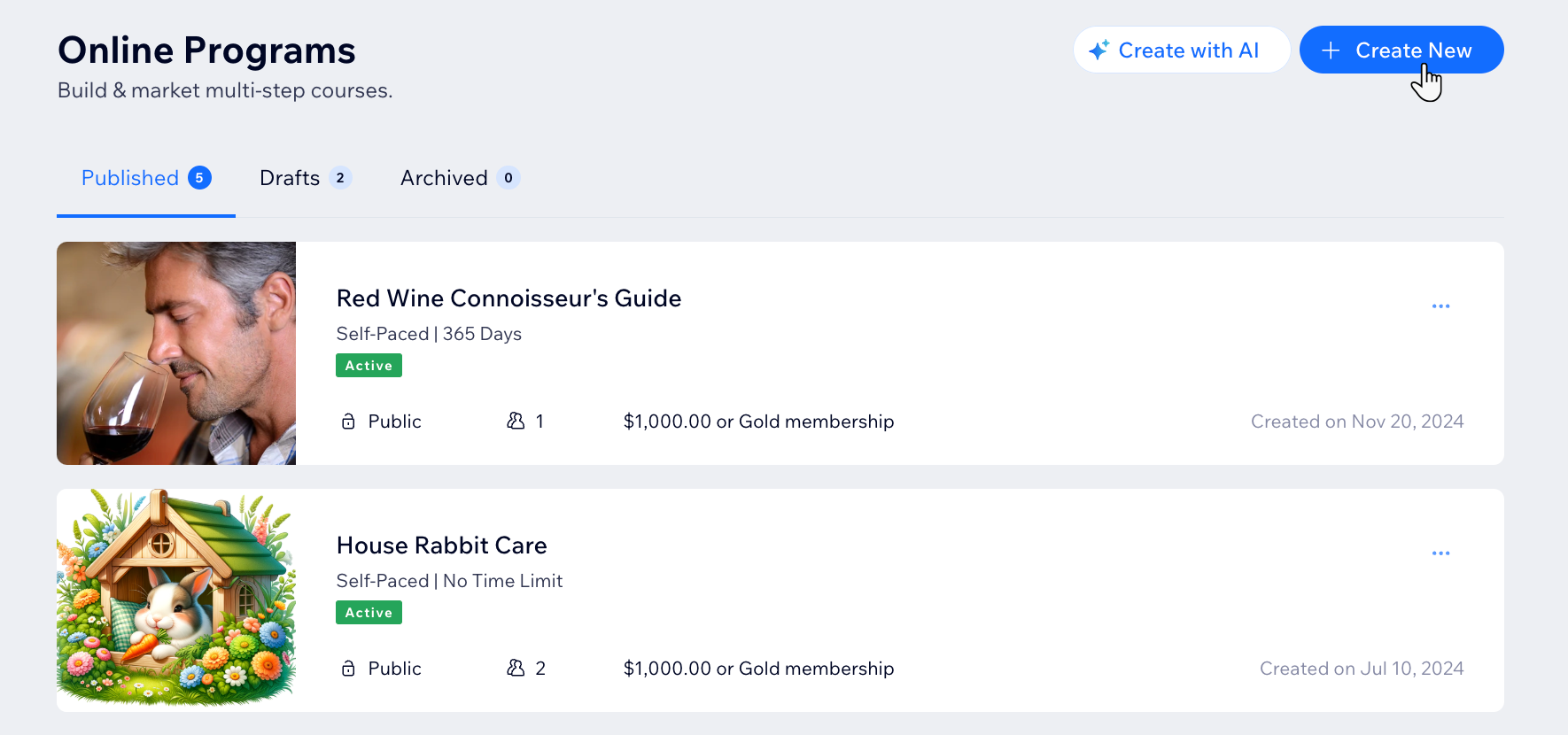
A screenshot of clicking Create New program from a site's dashboard.

Step 3 | Design your program pages

Your program pages include 3 customizable pages: The Program List page, Visitor page, and Participant page. You can choose to display different details on each page.

Customize the page's layout, design and information based on whether a site visitor or current participant is viewing the page.
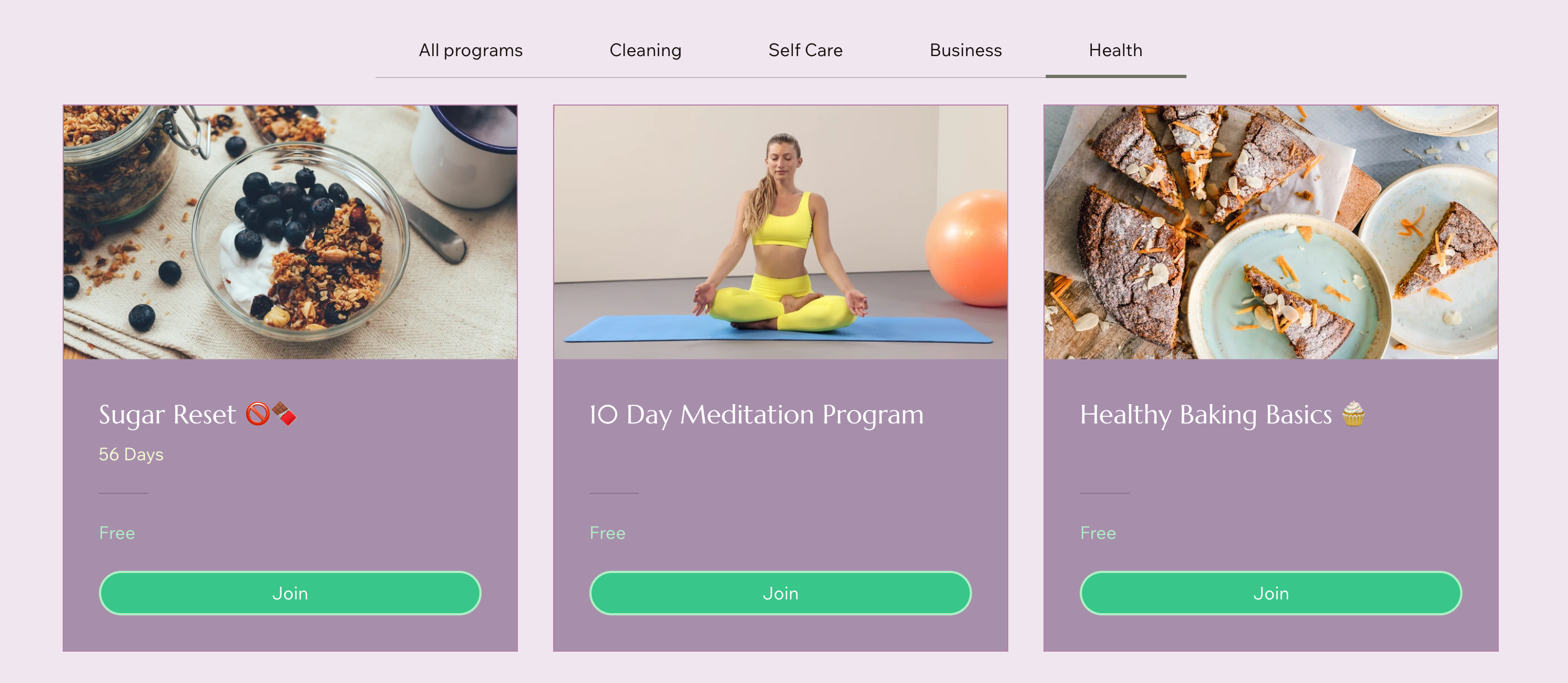
A screenshot of a Wix site page with the Online Programs - Programs List element displayed

Need A Professional Website?
Contact Us 
Today!

Wix Chat: Automatically Sending Chat Messages or Responding to Chat Messages

Wix Chat: About Notifications

Wix Chat: Deleting Wix Chat

Wix Chat: Adding the WhatsApp Channel to Your Chatbox

Wix Chat: Viewing and Chatting with Live Site Visitors

Wix Chat: Customizing the Chat Icon on Your Mobile Site

Wix Chat: Translating Wix Chat

Wix Chat: Allowing Members to Chat with Each Other Using Members Chat

Wix Chat: Customizing Your Chat Settings

Wix Chat: Designing Your Chatbox

Wix Chat: Adding Wix Chat to Your Site

Wix Chat: An Overview

Your AI Site-Chat Conversations Quota

Designing and Customizing Wix AI Site-Chat

Training Your AI Site-Chat

Testing Your Wix AI Site-Chat

Adding and Setting Up Wix AI Site-Chat

About Wix AI Site-Chat

Wix Inbox: Sending a Broadcast Message to Your Contacts in the Wix App

Wix Inbox: Working with Site Collaborators

Wix Inbox: Connecting WhatsApp Business to Inbox

Wix Inbox: Connecting Your Facebook Page

Wix Inbox: Connecting Instagram to Inbox

Wix Inbox: About Wix Inbox Channels

Wix Inbox: Connecting Your Gmail Account

Wix Inbox: Managing Your Notification Settings

Wix Inbox: Managing Your Inbox

Wix Inbox: Setting Up Your Inbox Profile and Outgoing Emails

Wix Inbox: Sending Messages and Attaching Items

Wix Inbox: An Overview

wix experts
Graphic2Traffic web design
©
bottom of page