top of page

Working with Wix Payments

Connecting Pay Now by Klarna as a Payment Method (Through Wix Payments)

Accept EUR payments from your customers via direct bank transfers using Pay Now by Klarna, processed by Wix Payments.

General Info

Supported countries

Austria, Belgium, Germany, Switzerland.

Supported currencies

EUR, CHF

Transaction fees

Austria, Belgium, Germany: 2.5% + 0.30 EUR
Switzerland: 2.5% + 0.4 CHF

To connect Pay Now by Klarna through Wix Payments:

  1. Go to the Accept Payments tab on your dashboard.
    Tip: Check your business location at the top right. If incorrect, click the drop-down menu to change it.

  2. Click Connect next to Wix Payments.
    Note: If Klarna through Wix Payments is available in your area, you will be automatically connected.

Important:

  • If you've already connected your Wix site to Klarna through a different provider, you can change it to Wix Payments. Learn How

  • Currently, it is not possible to link an existing Klarna account to Wix Payments. Learn More

What's Next?

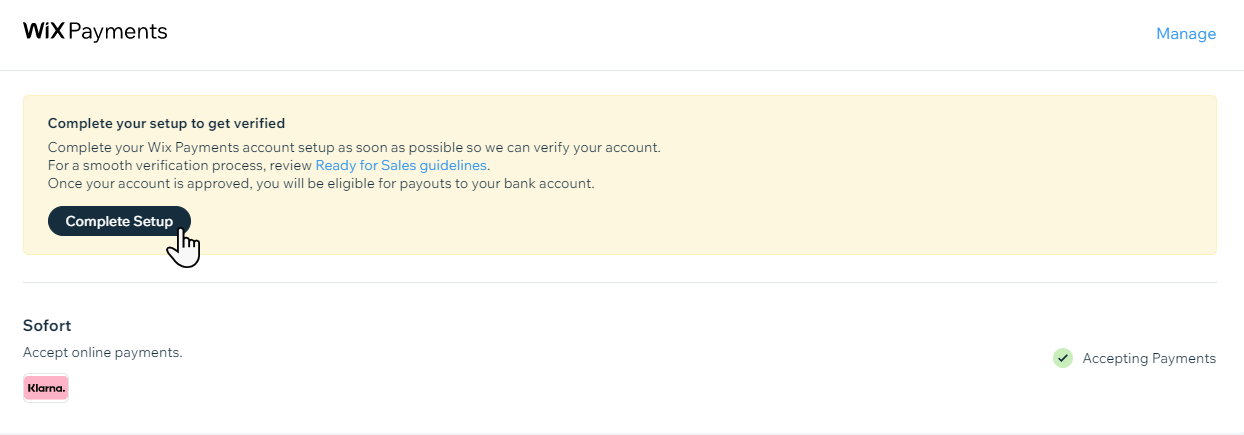
Complete setup with Wix Payments in order to get payouts to your bank account.
Need A Professional Website?
Contact Us 
Today!

Wix Automations: Adding and Sending a Coupon

Wix Automations: Sending Automated Emails to Contacts After Form Submissions

Wix Automations: Customizing Automated Emails

Wix Automations: Creating a New Automation

Wix Automations: An Overview

The New Automation Builder: Understanding Email Types

The New Automation Builder: Creating a Multi-Action Automation

The New Automation Builder: Sending Data via Webhook

The New Automation Builder: Adding and Sending a Coupon

The New Automation Builder: Troubleshooting Wix Automations

The New Automation Builder: Understanding Conditions Operators

The New Automation Builder: Setting Up a 'Scheduled Time' Trigger

The New Automation Builder: Sending Data to Google Sheets

The New Automation Builder: Using the Property Picker

The New Automation Builder: Viewing and Managing Automations Installed for You

The New Automation Builder: Customizing Automated Emails

The New Automation Builder: Managing Your Automations

The New Automation Builder: Creating an Automation

The New Automation Builder: Overview

Microsoft Office 365 Mailbox Limits

Resetting the Password for Additional Office 365 Mailboxes

Resetting Your Admin Password for Your Office 365 Mailbox

Accessing Your Microsoft Office 365 Mailbox Through Your Wix Account

Accessing Your Microsoft Office 365 Mailbox Through Your Wix Account

Accessing the Microsoft Office 365 Admin Center

Activating Your Microsoft Office 365 Mailbox Purchased from Wix

Google Workspace: Troubleshooting Login Issues

Google Workspace: FAQs

Google Workspace: Contacting Google Support

Google Workspace Error Message: "You do not have access to Email"

wix experts
Graphic2Traffic web design
©
bottom of page