Additional Wix Apps
Adding and Setting Up the Open for Business App
Important:
The Open for Business app is no longer available in the Wix App Market. The app will be removed from your site on December 11th 2024 and Wix will no longer support it. As an alternative solution, you can add the Business Open Hours Widget by Purple, to your site.
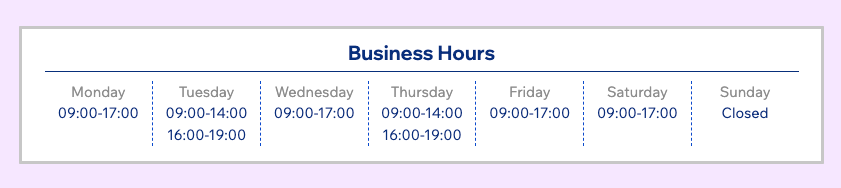
Use the Open for Business app to ensure your customers are always informed about your business hours and any updates, including unexpected changes or scheduled closures.
Set up the Open for Business app
Personalize the app's appearance to suit your brand's style by adjusting colors, fonts, layout, and the displayed information to blend with your site's look and feel.
To set up the Open for Business app:
Select the Open for Business app in your editor.
Click Settings.
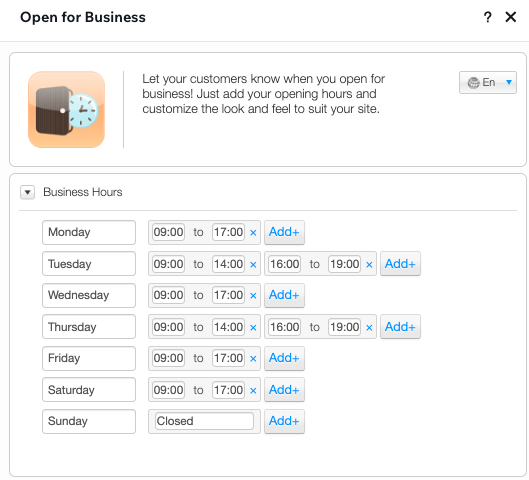
In the Business Hours tab, edit the days and hours to suit your needs.
Note:
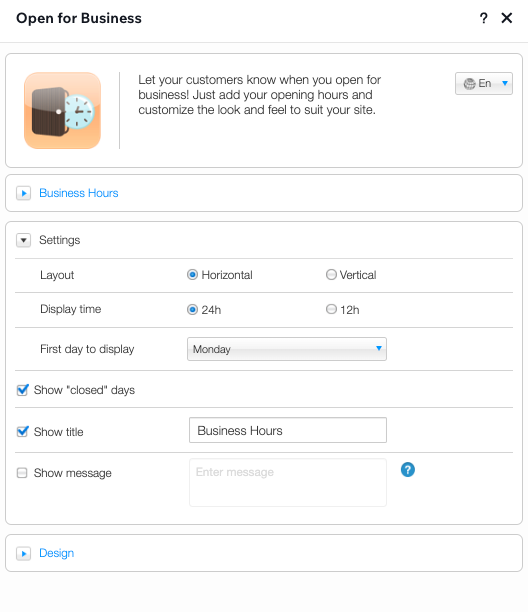
There's no need to delete any of the days, even if you're closed that day. In the Settings tab (step 4), you'll be able to select whether you want to display the "Closed" days at all.
Click to expand the Settings tab and customize the layout and display settings of the app.
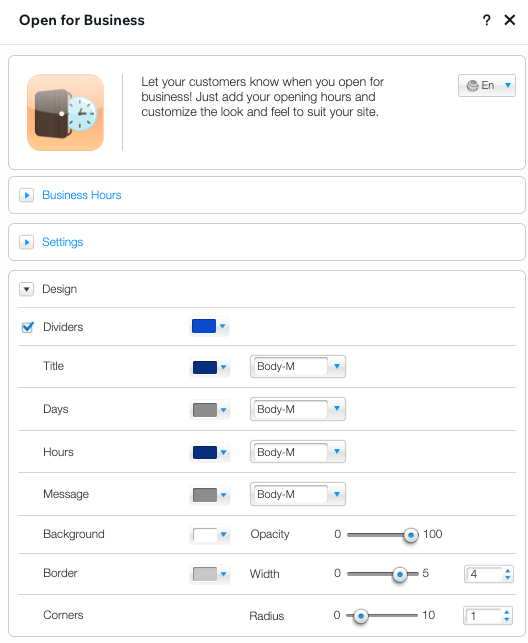
Click to expand the Design tab and customize the colors, fonts, background and borders used in the app.
Tip:
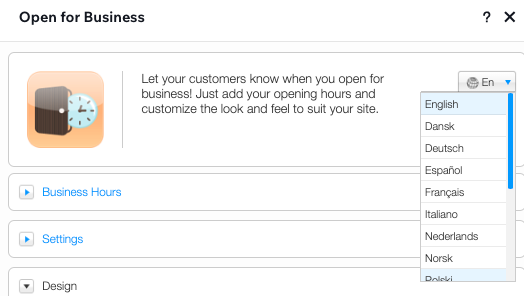
You can change the language of the app from the top of the Settings panel.