Working with Wix Payments
Connecting Pay Now by Klarna as a Payment Method (Through Wix Payments)
Accept EUR payments from your customers via direct bank transfers using Pay Now by Klarna, processed by Wix Payments.
General Info
Supported countries
Austria, Belgium, Germany, Switzerland.
Supported currencies
EUR, CHF
Transaction fees
Austria, Belgium, Germany: 2.5% + 0.30 EUR
Switzerland: 2.5% + 0.4 CHF
To connect Pay Now by Klarna through Wix Payments:
Go to the Accept Payments tab on your dashboard.
Tip: Check your business location at the top right. If incorrect, click the drop-down menu to change it.Click Connect next to Wix Payments.
Note: If Klarna through Wix Payments is available in your area, you will be automatically connected.

Important:
If you've already connected your Wix site to Klarna through a different provider, you can change it to Wix Payments. Learn How
Currently, it is not possible to link an existing Klarna account to Wix Payments. Learn More
What's Next?
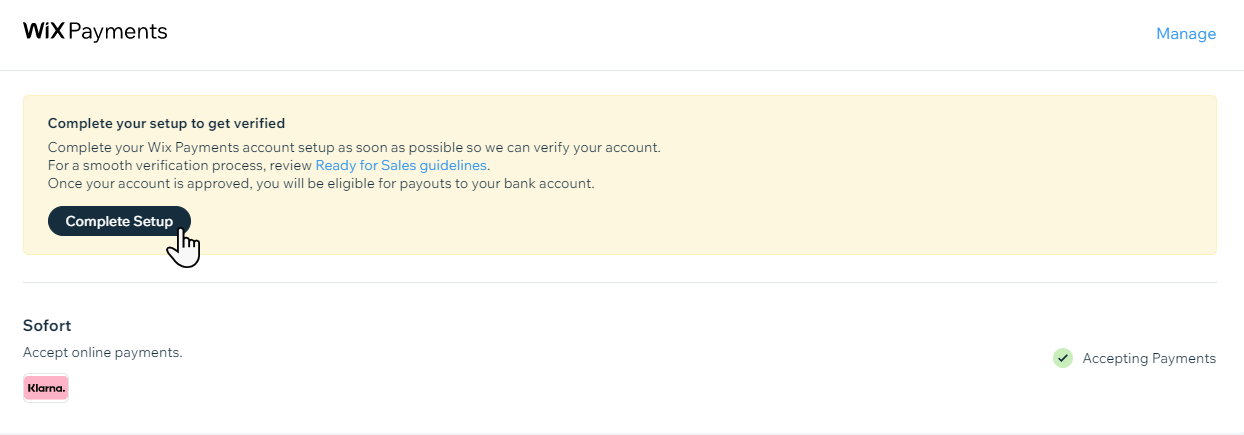
Complete setup with Wix Payments in order to get payouts to your bank account.