


Memberships, packages & payments
Wix Bookings: About Memberships and Packages
Increase customer loyalty by offering your clients memberships and packages using pricing plans. Clients enjoy the reduced rates and you benefit from a more predictable income stream.
Note:
Memberships and packages are currently not available for courses.
In this article, learn more about:
Memberships
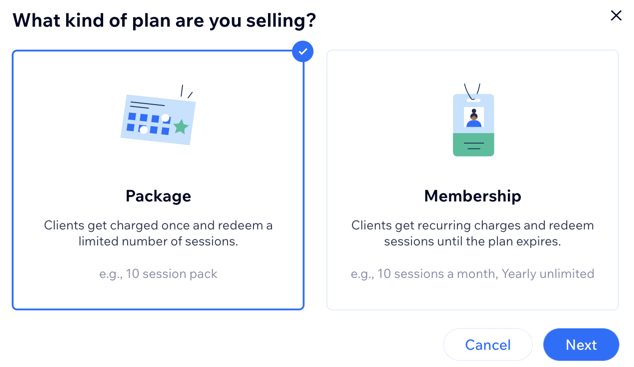
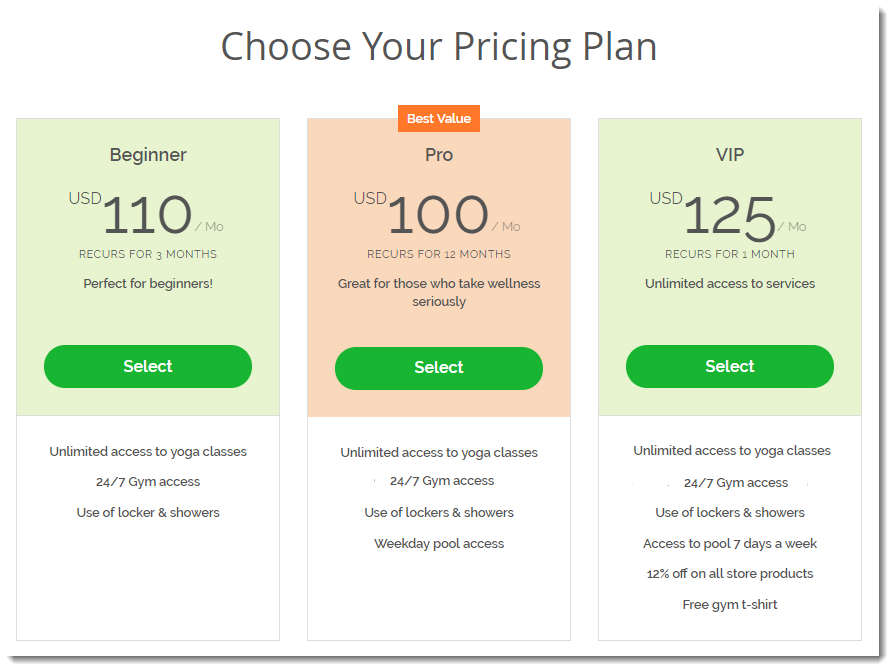
Memberships are a type of pricing plan that allows clients to make recurring payments to access services for a set amount of time. You choose which of your services are included and how long the subscription period lasts. For example, you can create a quarterly membership plan for your gym that offers unlimited access to TRX, pilates, and yoga, but not to other classes.
You can offer clients one membership, or give them a few to choose from (e.g. a beginner plan, pro plan, or VIP plan).
Learn how to set up a membership.
Packages
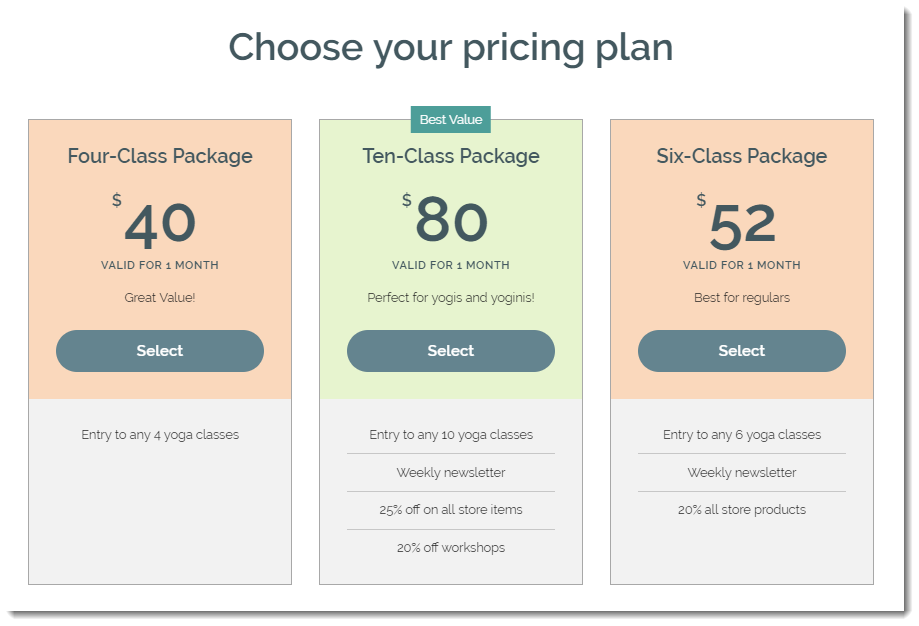
Packages are a type of pricing plan that allows clients to pay for a set number of sessions at once. For example, if you charge $60 for a session with a personal trainer, you might want to offer clients a six-session package for $300. You decide whether your client needs to take advantage of the services within a set period of time or if it's open-ended.
Learn how to set up packages.
Tip:
You can create recurring packages, so that your client can book a set number of services per time duration (e.g. 2 consultations per month, every month).
Making the most of your members area
A well-built members area not only provides your users with a better experience, but encourages repeat visits and boosts organic traffic to your site.
Combine the members area with Wix Bookings to allow your users to quickly review, reschedule or re-book appointments without the need to enter their details each time.
Help your members view and manage their subscriptions by combining Pricing Plans with your members area for best results.