


Setting up Online Programs
Online Programs: An Overview
Build courses that inspire people and help them achieve their goals. Wix Online Programs is a friendly platform with tools for improving learning. Use Wix Online Programs to inspire, teach, and grow your business with a global audience.
Ready to get started?
Add Online Programs to your site. Some Wix templates already include Online Programs, making it easier for you to get started.
Upgrade your site so people can start joining your program.
Use our Learning Management System (LMS)
Add certificates, quizzes, content dripping, and connected groups in one place. No need for third-party apps and integrations. Understand how your program is performing with detailed analytics. Track what works and improve where needed.
When someone joins your program, they become a member of your site. They can see all the programs they're in and how they're doing in each. This helps them stay motivated and see how much they've already accomplished. They can also track their progress and complete each part of the program at their own pace.
Example: If you are an Olympian medalist, create a course to inspire young athletes. Share your journey, training tips, and motivational stories. Offer certificates when they complete the course. This motivates them to achieve their dreams.
Generate extra income
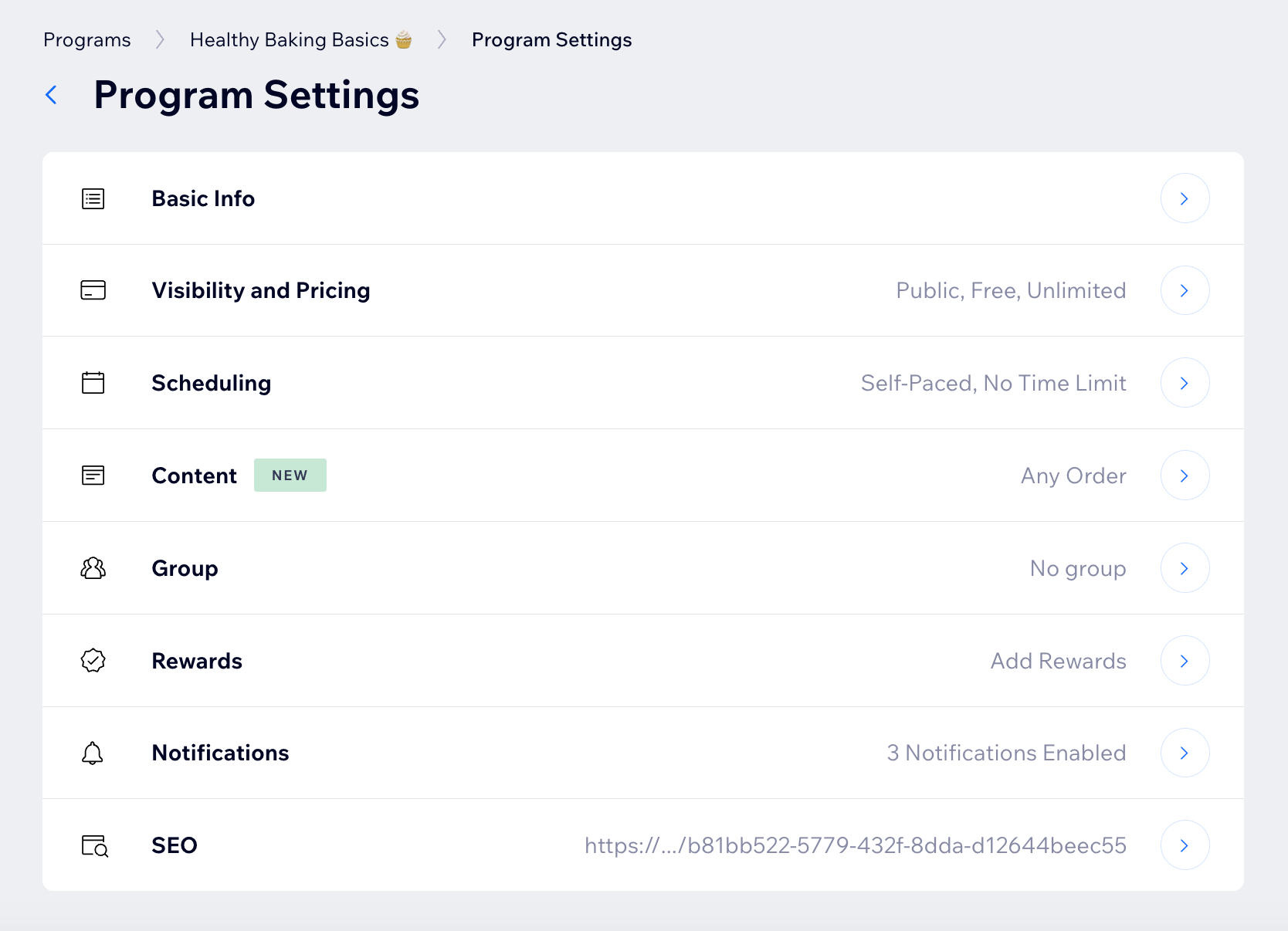
Display your expertise and earn passive income. Offer online courses and step-by-step programs with Wix Online Programs. Choose from scheduled programs or self-paced ones to allow people to learn at their own speed.
Example: If you are a personal coach, create a 30-day challenge for your clients. Each day, post a new video, article, or resource. Guide and encourage them daily. This helps keep clients motivated and supports their goals. Use the coaching sessions option in Wix Bookings to create a full learning experience.

Share what you know
Are you a subject matter expert? It's a win-win to share your knowledge with others. Create interesting content that shows your skills. Anyone who knows something well can teach it and earn money. Share your expertise through videos, articles, and quizzes. Help others learn while you grow your business.
Example: If you teach English, make a self-paced course. Include videos, articles, and quizzes. Help students improve their English skills in a fun way.
Attract more visitors to your site
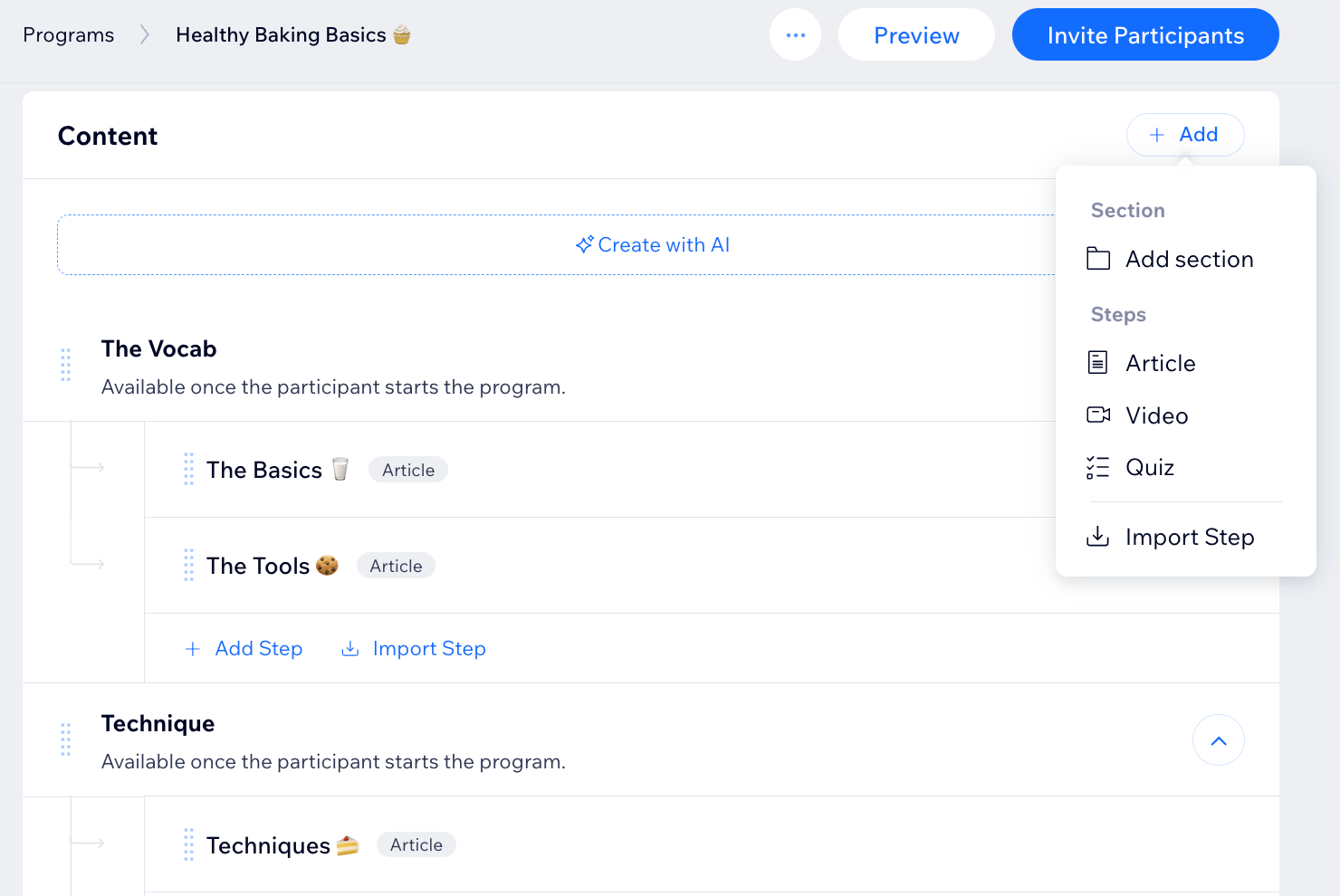
An online course can bring more people to your business. Create a teaser course to show your expertise. Promote your online program with Wix’s marketing tools. Use email marketing, social media integration, and SEO tools to reach a wider audience.
Example: If you are a florist, create a "House Plants 101" course. Offer it for free to build trust. Show your knowledge and attract people who need your services.
Choose a flexible payment option
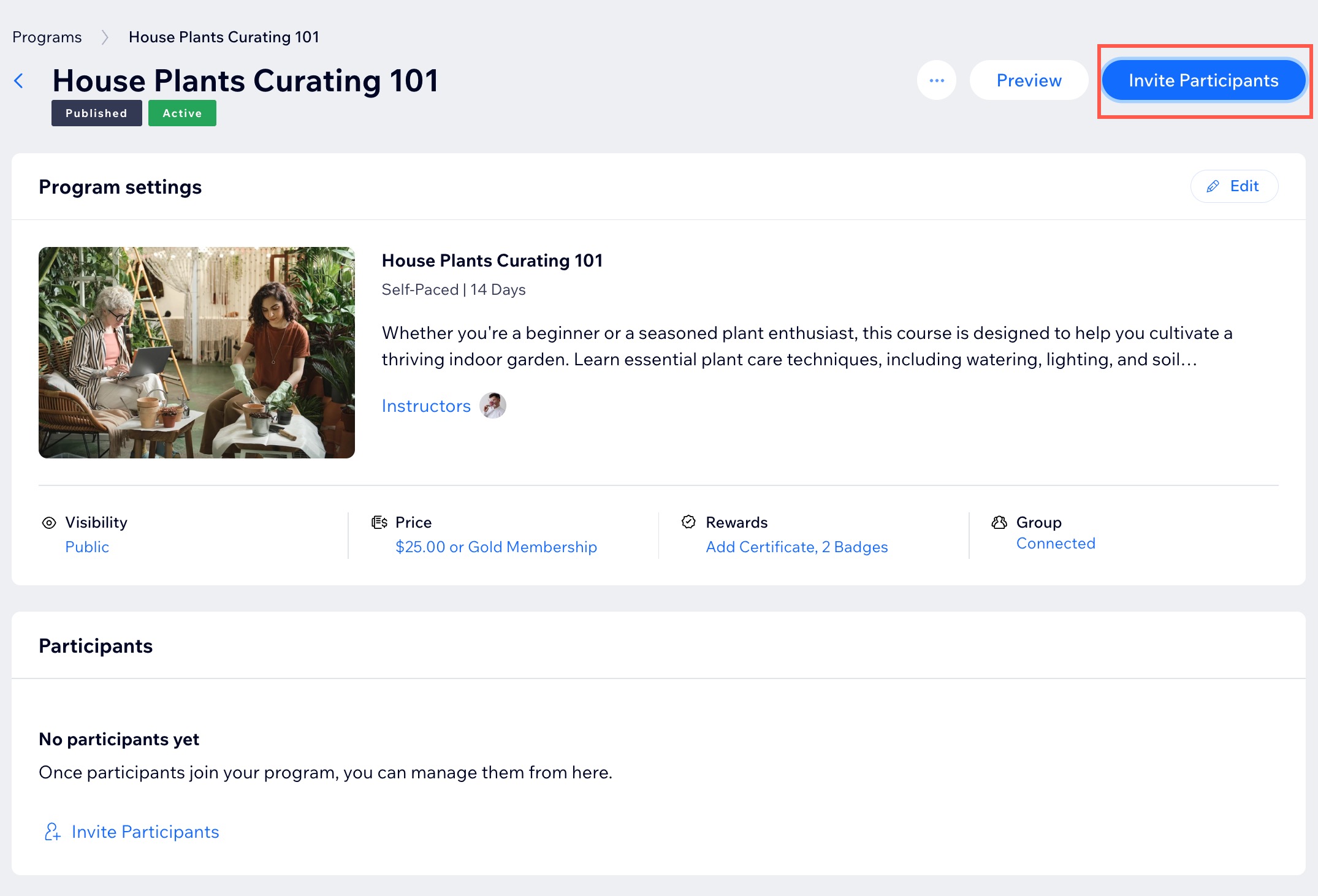
Wix Online Programs lets you select the best option for you to charge for your courses. Choose between one-time payments or pricing plans. You can also mix both to get the best results.
Example: If you're a nutritionist, you could offer a one-time payment for a nutrition plan or a monthly subscription for ongoing advice and new recipes. This allows clients to choose the payment plan that best suits their needs.

Combine other Wix apps
Wix Online Programs works well with other Wix apps. Add Wix Stores to sell digital and physical products that compliment your course. Connect Wix Payments to accept payments for online courses through all major payment gateways. Promote your programs with discounts and coupons.
Example: As a personal trainer, you can create revenue by selling vitamins and equipment. You can also offer paid group workout events, or create digital products like workout videos. This diversifies your offerings and provides clients with a variety of fitness options. Connect to the Wix Fit app, or another Wix mobile app, to manage trainees.
