Getting started with Wix Video
Wix Video: About Wix Video
Engage your audience and monetize your content by showcasing your videos on your site. With Wix Video, you can upload your own content, or add videos from YouTube, Facebook and more. Your content can stand out on its own, or you can organize it into channels with personalized layouts.
Start making money with your content by listing your videos for rent or purchase. You can also make whole channels accessible to subscribers only.
Increase your video library space
When you upgrade your site, your storage space increases. This gives you more room for growth and creates new opportunities for audience engagement. You can also choose to add a storage plan to your site to make sure you have enough space for your media. You can do this in addition to upgrading to a Premium plan.
Learn more about upgrading your site's video storage.
Engage your audience with videos from multiple channels
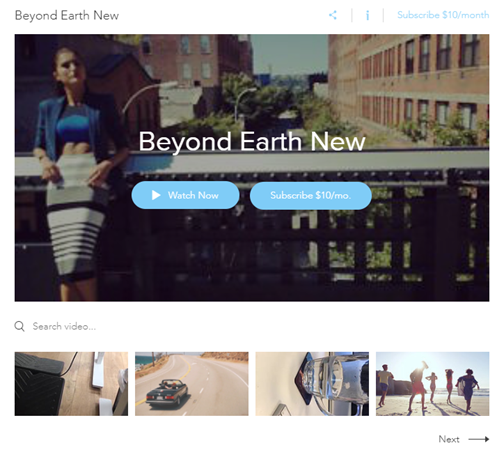
Capture your visitors' attention by displaying your video content on your site. You can choose from 6 layouts, each designed to showcase your video content in the best possible way.
Upload videos to your library straight from your computer, or from other sites including YouTube, Facebook or Vimeo. You can organize your video content into channels, making it easier for you to manage, and for viewers to find the topics they're interested in.
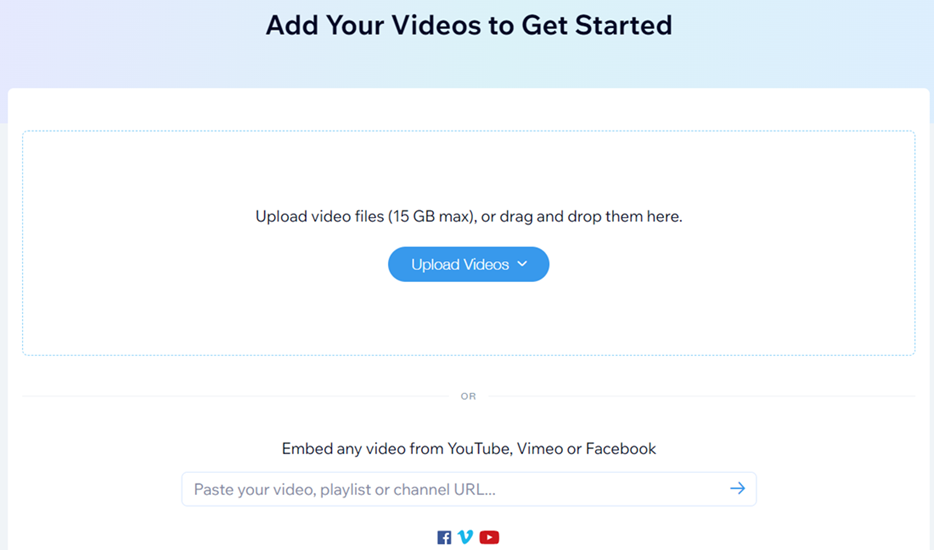
Learn more about adding and setting up Wix Video.
Customize your video player to match your brand
When you add Wix Video Player to your site, you're given the tools to customize the widget to your liking, and to match the look of your brand. You can also customize the layout, design, and functionality of your video player.
Some of the customization options include:
Designing the font, shape and color of the text that appears on your player and thumbnails.
Choosing a shape and color for buttons.
Increasing or decreasing the opacity of background and cover images.

Learn more about customizing the design of your site's video player.
Start making money from your content
Connecting your video channel to a pricing plan allows you to start monetizing your content. You can give your viewers more choice by making multiple pricing plans available per channel, increasing the growth rate of your subscribers. You can make changes to your pricing plans at any time from your site's dashboard.
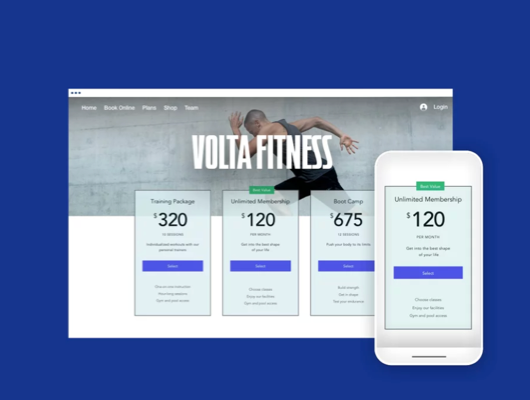
Learn more about connecting a pricing plan to a video channel.
Track your content's success with analytics
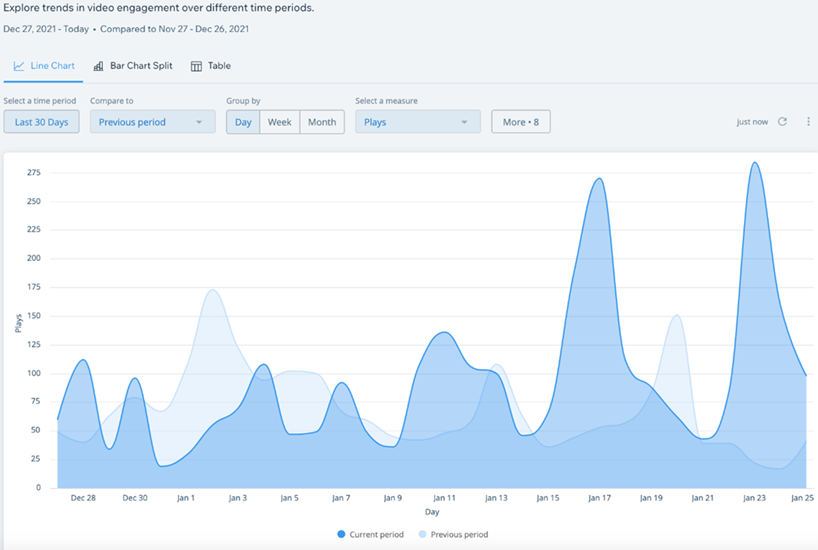
Gain valuable insights into your content's engagement and visitors' behavior. You can find out what videos are performing the best, the devices your viewers watch your content on, and what channels generate the most subscriptions.
See how many sales your videos attract over time by viewing reports that include statistics on video plays, shares, downloads and more.