Fit by Wix
Wix Mobile Apps: An Overview of Fit by Wix
The Fit by Wix app is one of the free member apps dedicated for your members to easily engage and stay updated with your site on the go. Your clients can use the Fit by Wix app to interact with your fitness business wherever they are.
They can view your schedule and book your services, connect with you and other members of your fitness community, take part in online programs, and purchase your branded products.
Important:
The Fit by Wix app is for your clients to interact with your business. You (the site owner) can manage and customize all aspects of the Fit by Wix app using the Wix app.
Wix member apps, like Fit by Wix, are free to use and download from the relevant app stores. You do not need a Premium plan to access them.
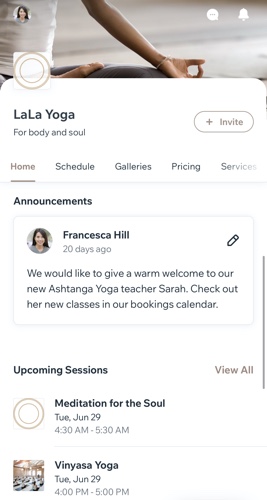
Tell your clients how to download the Fit by Wix app:
Search for Fit by Wix in the App Store or Google Play, or use the links below:
iOS App download link
Android App download link
Customize your site to suit your business
From the Wix app, you can customize how your site and business appears on the Fit by Wix app. Customize every screen on the app including re-ordering and renaming the site tabs, adding new elements to the pages, and more.
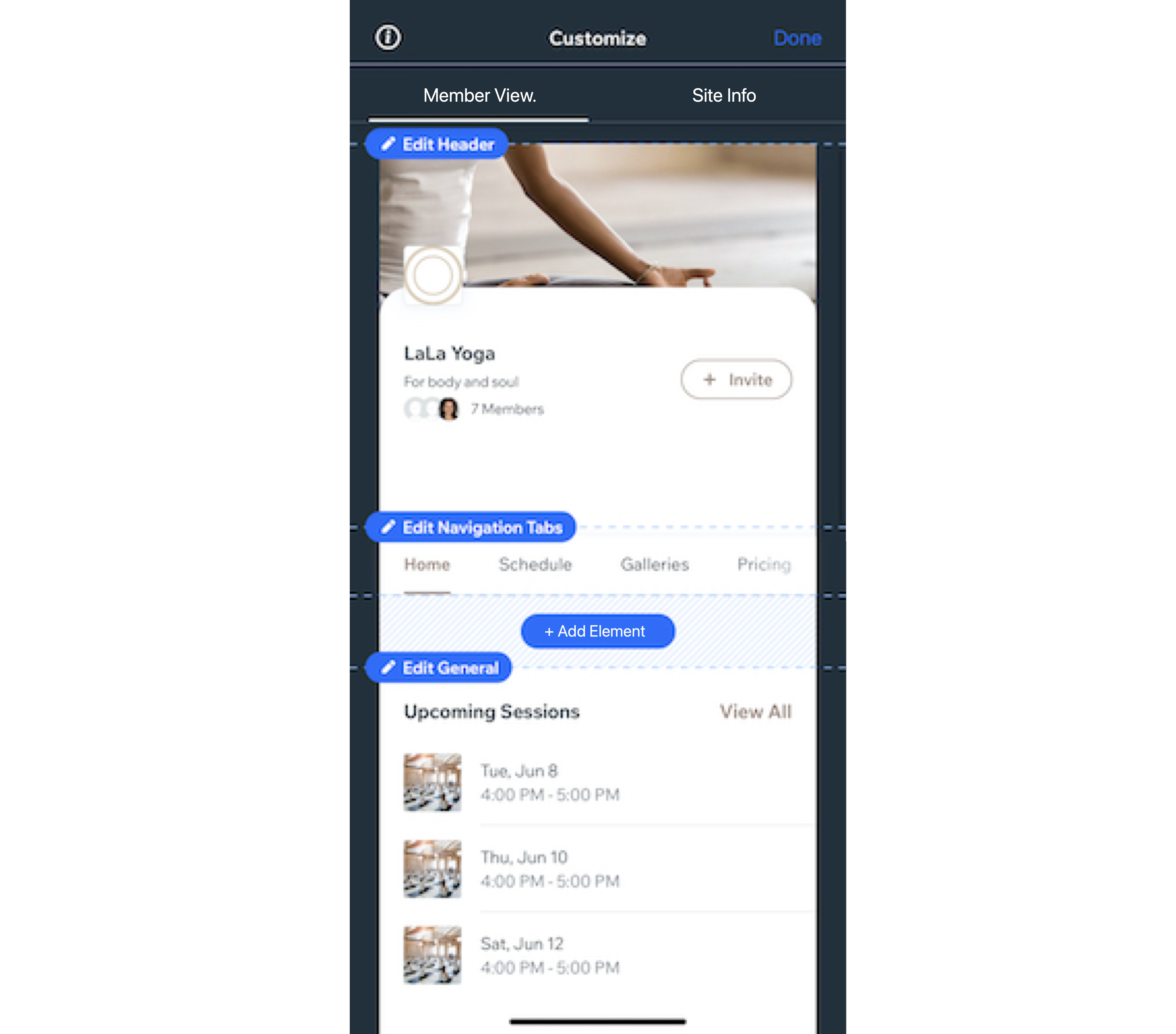
Learn how to customize your site on the Fit by Wix app.
Improve customer loyalty with pricing plans
The Fit by Wix app lets you offer different pricing plans and membership options to suit your members' needs and budgets. Create your plans from your Wix app.

Learn how to create pricing plans using the Wix app.
Increase engagement by offering online programs
Improve engagement with and among your members by offering online programs.
Challenge your clients by creating programs such as:
Running a 10k within a month
Daily meditation goals
Strength and conditioning challenges

Learn how to create online programs using the Wix app.
Build your brand by selling merchandise
Provide your clients with the gear they need to train at their best. From foam rollers to yoga mats to weight belts, you can create an online store on the Fit by Wix app to sell your products to your members.
Learn more about selling products on your Wix Member apps.

Tip:
Create branded merchandise with your logo to let your products promote your business while giving your clients a sense of community. If you don't have a logo, you can create one using the Wix Logo Maker.
Create an online community with groups
With Fit by Wix, you can create groups just for your members. Your members can invite friends, create posts, share photos and more. They are a great way to get your clients interacting with each other, asking questions and sharing content.
A few examples of community groups are:
A Healthy Eater's group with recipes, pictures and advice on nutrition.
A New Momma's group for members to share tips and arrange playdates.
A Feedback and Questions group for members to interact with you and each other.

Learn more about creating and managing groups in the Wix app.
Start conversations using blog posts
Using the Fit by Wix app, you can engage with your members by featuring interesting and useful blog content. Share advice on training, technique, nutrition, mindfulness - whatever area you want to cover, you can include it in your blog posts.
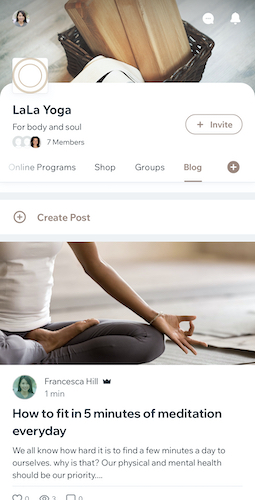
Learn more about creating blog posts from the Wix app.
Keep members engaged with a performance tracker
Add the performance tracker to your site on Fit by Wix to help your members track their weekly progress each time they log in. This daily activity tracker lets your members view how many steps they take, or calories they burn each day.
Learn more about setting up the performance tracker and syncing daily activity trackers in Fit by Wix.