


wix studio
About Animations
Incorporating our animations in your designs can really take them to the next level. The Studio Editor offers 5 different animation types, based on when you want them to appear.
Make animations appear when visitors hover over, click or scroll past an element. You can also add an entrance animation, for when the element first loads, or one that loops continuously – all without a single line of code.
Note:
The animation size is calculated according to your specific browser when the page first loads. If you resize the browser window (by dragging its handles), the animation might not appear properly. We recommend refreshing the page for optimal display.
Entrance animation
Adding an entrance animation to an element is a great way to draw visitors' attention to it. The animation appears when the element first enters into view, so it instantly catches the eye. There are many types to choose from and customize to your client's exact needs.

Hover and click interactions
Add cool effects that appear when visitors hover over or click an element. You can make elements transform, move or reveal new content on hover / click.
Choose from a range of pre-designed effects, or create a custom effect with your exact specifications. Manage the timing, order and ease to tie it all together, then preview the final result directly from the Editor.
You can also create interactions between elements, so hovering over or clicking one element animates another.
In the example below, hovering over the paragraph triggers the button and image to move.

Scroll animation
Increase engagement and create interesting effects with scroll-driven animations. The animation's progress is directly related to the scroll position, going forward and backward as visitors scroll up and down.
You can also create interactions between elements, so scrolling past one element animates another.
In the example below, scrolling past the title makes the repeater grow.
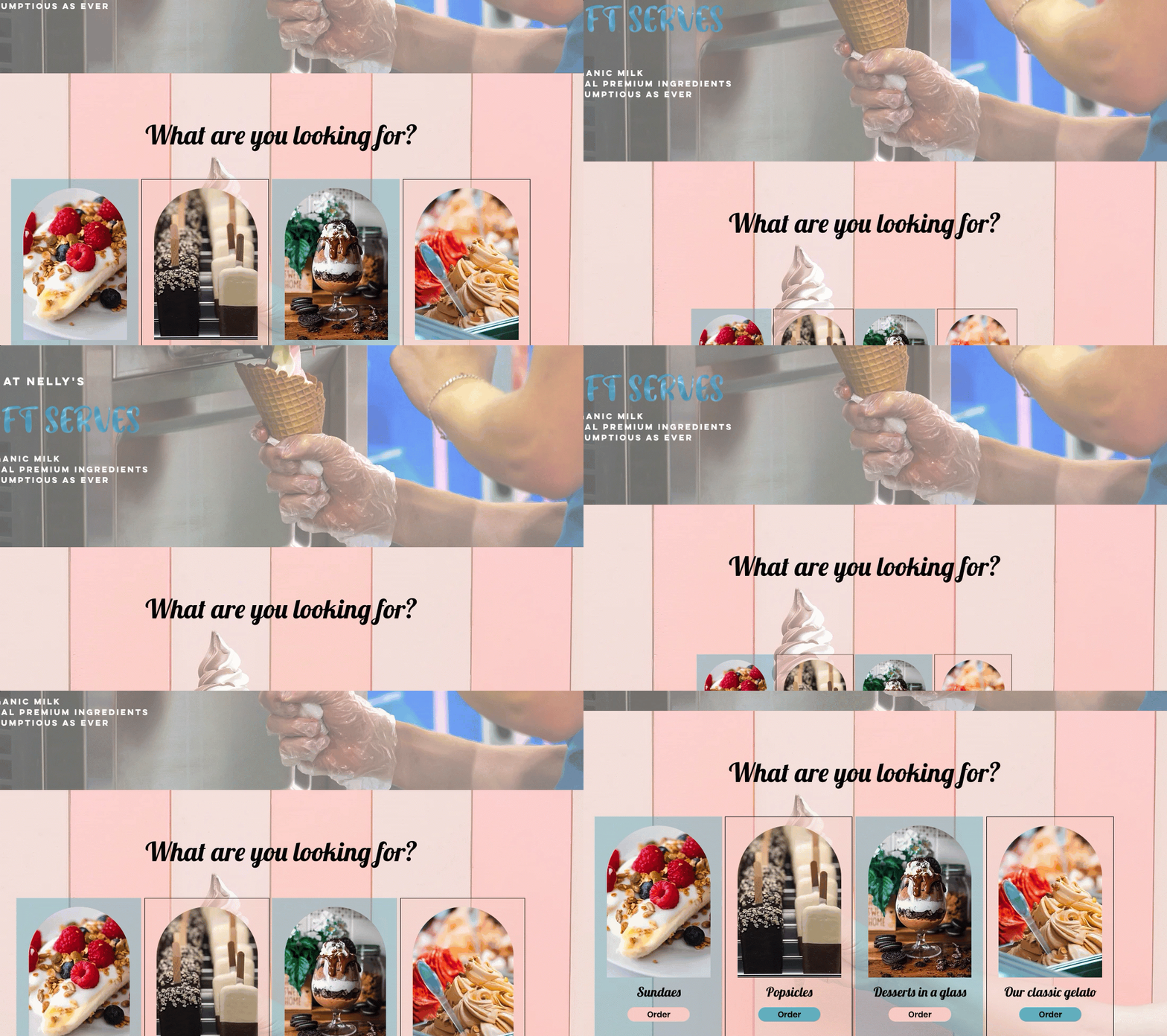
Loop animation
Create a sense of movement in your design with animations that loop continuously. You can add a loop animation to any element you want visitors to notice - some are more subtle and some are true attention grabbers.

Frequently asked questions (FAQs)
Select a question to learn more about animation effects.
What elements can I add animation to?
You can add animation / interaction effects to site pages and sections. You can also add these effects to a variety of elements, including text, buttons, and images.
It is not possible to add animation effects to certain elements such as breadcrumbs, forms, and embeds.
Note: The available effects depend on the element you want to animate.
How do I get started?
Select the element that should trigger the interaction, and click the Open Inspector icon  at the top right of the editor. You can then open the Animations and Effects tab
  to begin setting up the animation type you want.
Can I animate elements related to Wix apps?
No. It is not possible to add animation to elements related to Wix apps, such as the category page element (Wix Stores) or the post list element (Wix Blog).
Can a single element have multiple animations?
When an element triggers its own animation (self), you can combine one hover interaction, one click interaction, and an entrance animation. You can also combine an entrance animation with a loop animation.
It is not possible to combine other animations on a single element (such as scroll and hover).
How can I combine animations on a single element?
You can create a custom interaction to apply multiple transforms to the same element, so they all appear in a single interaction.
In the example below, we created a custom hover interaction for the title. When hovering over the title, it skews and changes its color at the same time.
