


Wix Editor: Using the Glass Effect on Boxes
Oct 25
1 min read
Updated: Oct 25
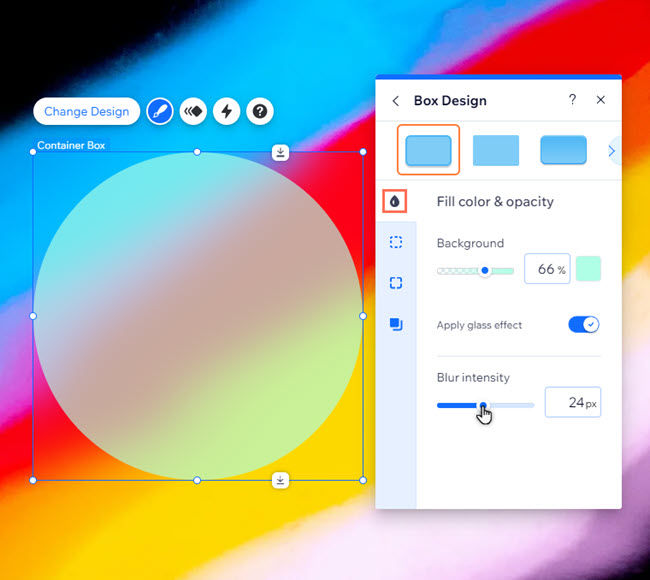
Add the glass effect to boxes to give them a frosted glass look, providing depth and dimension to your pages. You can also adjust the effect to make it more or less blurry.
Good to know:
Glass effect is currently only available to add to container boxes.
To add a glass effect to a box:
Select the box in your editor.
Click the Design icon

.
Click Customize Design.
Select Fill color & opacity

.
Enable the Apply glass effect toggle.
(Optional) Use the Blur intensity slider to increase or decrease the blur.
This article is credited to the Wix team - https://support.wix.com/ and we thank them for that!


Comments